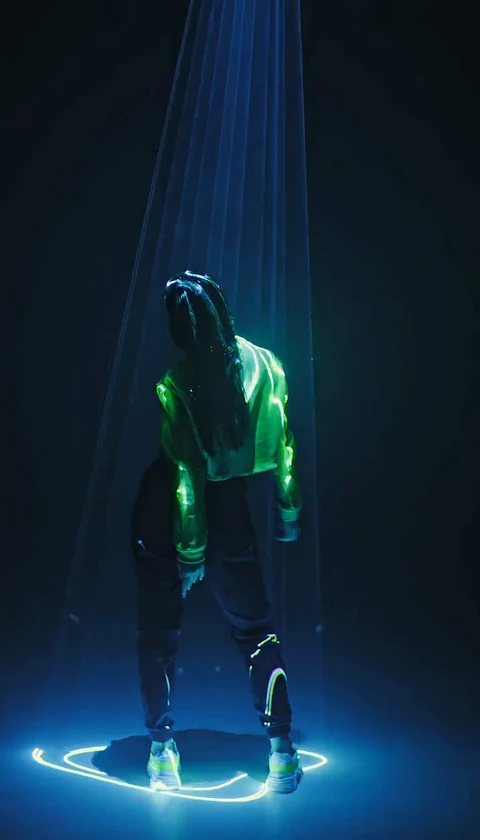
How to Make an AI Tecktonik Video From One Photo
How to make an AI Tecktonik video from one photo: pick a scene, upload a clear adult photo, choose the appearance mode and create a silent 8–10 second clip.
Read guideAppearance
YOUR PHOTO. A SCENE WORTH SHARING.
Step into a golden-hour duet or a rain-soaked solo. Add one or two photos, choose your scene, and make a short video with your own look.
The scene and movement stay. You choose who steps in.
JPG, PNG or WebP · up to 10 MB
Use a clear photo of one adult facing the camera. For full appearance, include the outfit. In duets, photo 1 replaces the first role and photo 2 the second.
A public result may be chosen for our gallery after review. Your uploaded photos stay private.
Preview scenes for free. Create with credits.
Scene previews are free to browse. Creating your own video uses credits from a paid pack. Previously issued bonus credits remain valid until their original expiry. New welcome and daily credits are no longer offered.
$9.90/ 1 video
30 credits · 8 secondsOne-time payment. Failed generations return your credits.
Choose a scene above. Finished videos will appear in this space.
02 / Create
Preview real source footage. Choose a solo or duet and see the exact clip length before you start.
Add one clear photo per person. Replace only the face and hair, or bring your whole look into the scene.
Preview your generated clip, unlock its original MP4 with a paid download, then add music in TikTok or Reels. Music is not included.
Find a location, film a performance, trim the footage and match the timing.
Start with a prepared scene. Upload your photos, choose the appearance, and review the generated result.
AI can change facial details, hands or movement. Preview every result before posting; likeness and exact motion are not guaranteed.
Buy Tecktonik Dance AI video credits for solo and duet clips. Compare one-time packs, see what each video includes, and learn how credits return when a job fails.
Scene previews are free to browse. Creating your own video uses credits from a paid pack. Previously issued bonus credits remain valid until their original expiry. New welcome and daily credits are no longer offered.
$9.90
$9.90 per video
100 generation credits and 1 original download per video. Choose which finished clips to unlock. No subscription.
$19.90
$6.63 per video
100 generation credits and 1 original download per video. Choose which finished clips to unlock. No subscription.
$29.90
$5.98 per video
100 generation credits and 1 original download per video. Choose which finished clips to unlock. No subscription.
Prices in USD. Applicable taxes are shown at checkout.
Failed jobs return their credits automatically. For payment refunds, contact support.
Each plan refills credits every billing period. One standard scene uses 30 credits; the per-video price stays below the one-time packs.
$17.90/Monthly
$5.97 per video
90 credits each period — about 3 videos. Cancel future renewals anytime.
$44.90/Monthly
$4.49 per video
300 credits each period — about 10 videos. Cancel future renewals anytime.
$99.90/Monthly
$3.33 per video
900 credits each period — about 30 videos. Cancel future renewals anytime.
Subscriptions renew until canceled. One-time packs never expire and need no subscription.
How to make an AI Tecktonik video from one photo: pick a scene, upload a clear adult photo, choose the appearance mode and create a silent 8–10 second clip.
Read guide
What is tecktonik dance? A plain explanation of the French electro-club style, its signature moves, and why it suits short vertical videos so well.
Read guide
How to pick the best photo for an AI Tecktonik video: framing, light, format and the shots that quietly break your result, with a pre-flight checklist.
Read guide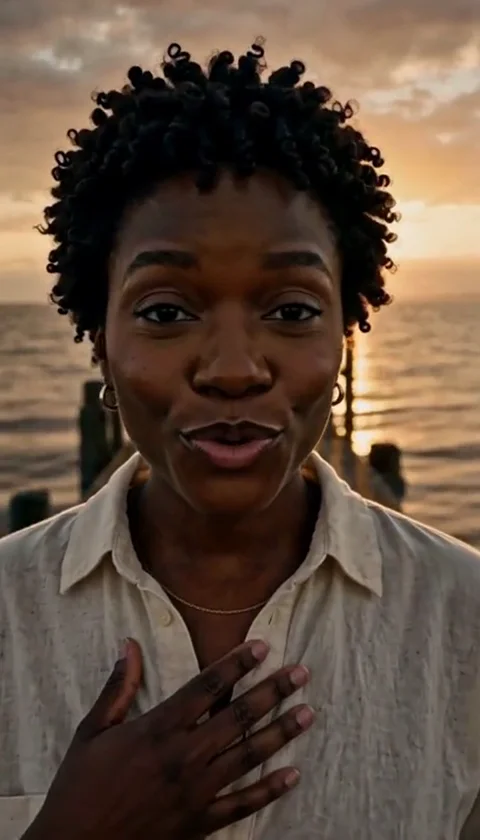
Make a solo tecktonik video from a single photo: choosing an 8 or 10 second scene, the vertical ratios, the appearance mode and the mistakes to avoid.
Read guide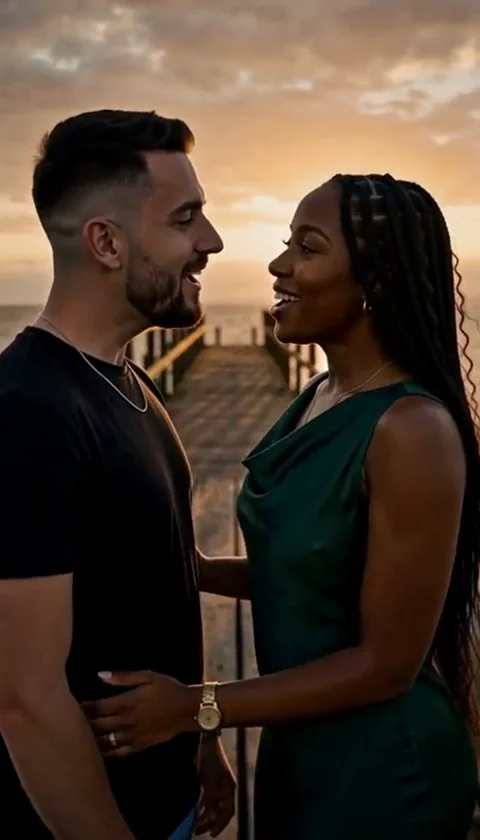
Make a duet tecktonik video from two photos: one adult per file, how roles are assigned, matching the two shots and choosing the right ratio for your feed.
Read guide
An honest tecktonik face swap vs whole person comparison: what each appearance mode takes from your photo, the best input for each and when to pick it.
Read guideIt is a short AI-edited performance based on a prepared Tecktonik-style scene. Your photo guides the person's appearance while the source video provides the setting and motion.
Read guide · What is an Tecktonik Dance AI video?Solo scenes use one photo. Duet scenes use two separate photos, one adult per photo. Preview the source scene to understand each role.
Read guide · Do I need one photo or two?No. Templates and generated downloads are silent. Add music using the sound library of the platform where you post, following that platform's permissions.
Read guide · Is the music included?Each scene is an 8- or 10-second clip. The duration is displayed before generation. The original 30-second trend is offered as three separate 10-second scenes.
The credits used by the failed job return to your balance automatically. That is a credit return, not an automatic cash refund. Contact support for payment questions.
A public result may be chosen for our gallery after review. Your uploaded photos stay private. Private results stay out of the gallery. Available to customers with a completed purchase.
Only with their permission. Use photos of adults, avoid misleading impersonation, and label AI-generated media when required by the platform where you share it.
No. Tecktonik Dance AI is an independent creative tool. It is not affiliated with any artist, music label, TikTok or Instagram.
Scene previews are free to browse. Creating your own video uses credits from a paid pack. Previously issued bonus credits remain valid until their original expiry. New welcome and daily credits are no longer offered.
Read guide · Can I make an Tecktonik Dance AI video for free?Check the role labels beside each upload. A person shown alone after a cut still needs the same reference photo. Use one clear adult per photo, keep the mapping unchanged, and inspect every close-up. The Face & hair mode keeps the source clothing; choose Whole appearance to request an outfit change. AI can miss a replacement, so review the preview before unlocking the original.
Read guide · Why does a singer stay unchanged in some shots?Keep your existing credits and downloads. An upgrade adds only the difference between packs; it does not reset your usage.
Read guide · Can I upgrade without buying the same pack twice?