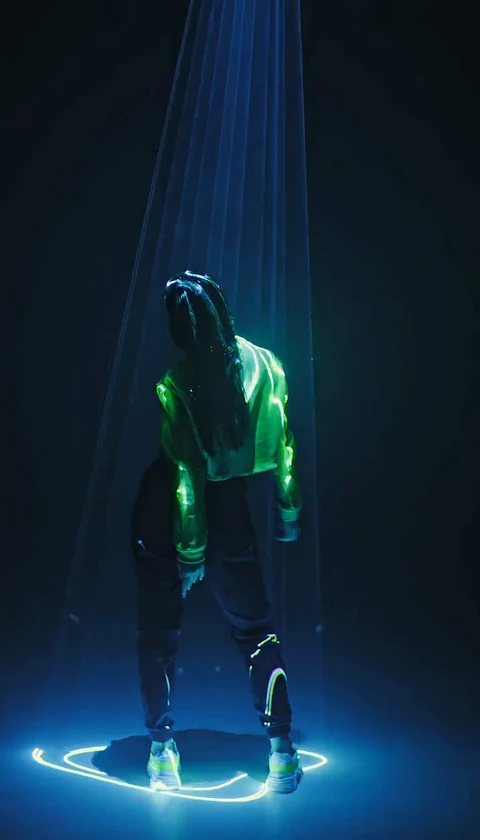
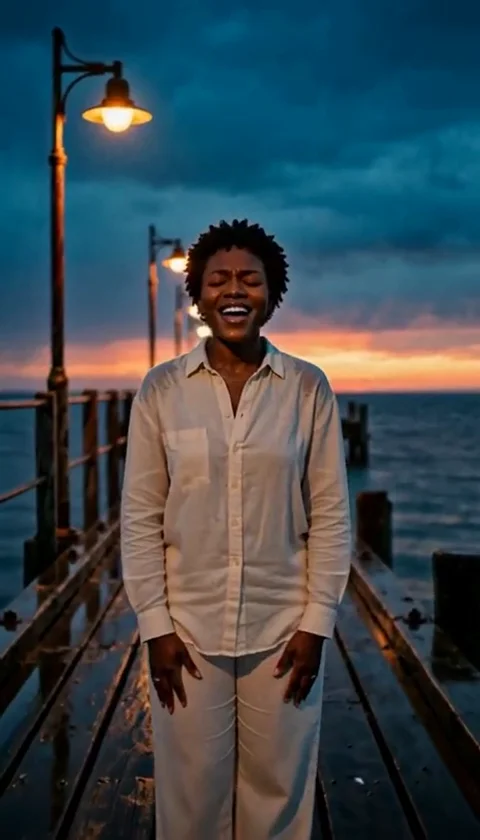
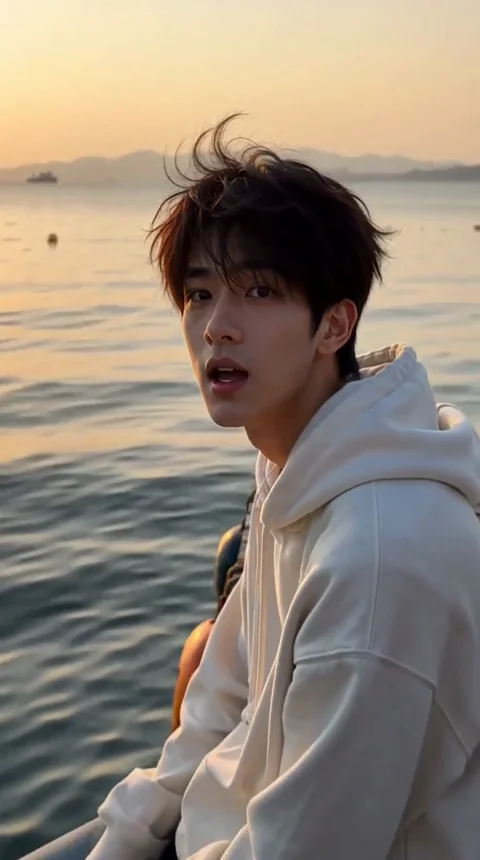
How to Post an AI Tecktonik Video for TikTok
Post an AI Tecktonik video for TikTok: crop or letterbox the 4:7 and 24:43 ratios, design a first-second hook, label the AI content and build a posting habit.
Tecktonik Dance AI editorial team · Updated October 8, 2026
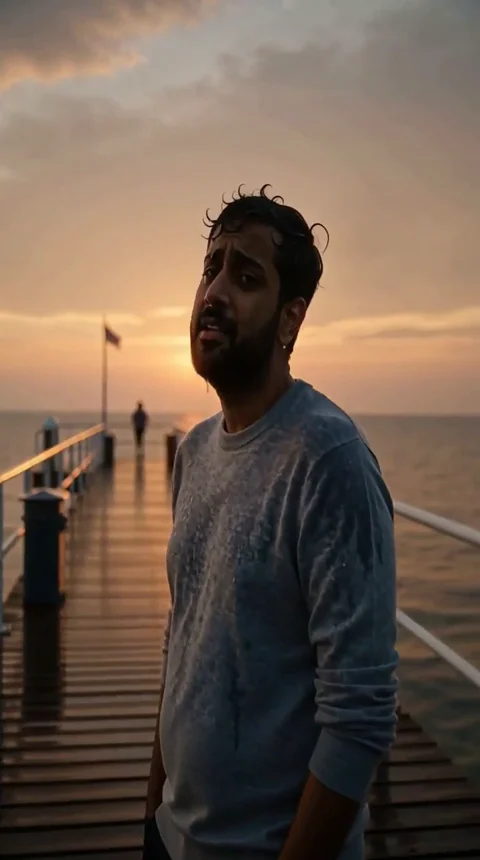
You have a silent 8- or 10-second clip of someone performing Tecktonik, and TikTok is almost certainly where it belongs. The format suits the platform: short, visually loud, no dialogue to miss, and easy to understand with the sound off. The complications are practical rather than creative. The clip is not shaped like a TikTok, it has no audio, and a viewer decides whether to keep watching in roughly the first second.
This guide covers the ratio problem honestly, how to prepare the file inside the app, hook design for a silent clip, captions and hashtags, the platform's expectations around AI-generated content, and a posting rhythm that gives each clip a chance. If your clip is still silent with no music, read the music guide first — sound changes how you cut the hook.
The ratio problem, stated honestly
Nothing in the Tecktonik Dance AI workflow produces a native 9:16 vertical video. Portrait scenes arrive at 4:7 or 24:43, which are narrower and taller than the standard phone canvas, and the two-person trend scenes are landscape at 131:90. There is no automatic 9:16 export and no setting that produces one.
That is not a flaw you can wish away, and pretending otherwise leads to posts that look accidental. What it means in practice is that every TikTok you make from a generated clip involves one deliberate decision: crop, or letterbox. Both are legitimate. Being unaware that you are choosing is not.
| Aspect source | What happens on TikTok | Recommended fix |
|---|---|---|
| Portrait scene, 4:7 | Fits a vertical canvas but leaves visible space at the sides if you do not fill it | Crop the sides slightly, or fill the background with a blurred version of the clip |
| Portrait scene, 24:43 | Narrower than the canvas, so bars are obvious without intervention | Crop to the canvas, or place the clip on a filled background |
| Landscape trend scene, 131:90 | Most of the frame is cut off in a vertical feed, including one of the two performers if you crop carelessly | Keep both performers inside the crop, or letterbox with a filled background and accept the smaller subject |
| Clip already cropped by a third-party editor | Re-encoded and possibly softened | Carry the crop into the app when you export, and check the result before posting |
Preparing an AI Tecktonik video for TikTok in the app editor
Import the clip into the TikTok editor, then fix the shape before you think about anything else.
Crop or letterbox: decide once and commit
Cropping means filling the canvas with the clip and losing some of the edges. For a solo portrait scene the subject usually sits centred with room either side, so a modest side crop costs little. For a duet or a landscape trend scene, cropping can cut one performer out of frame entirely — check both sides rather than only the middle.
Letterboxing means keeping the whole frame and filling the rest of the canvas. The standard approach is a blurred, enlarged copy of the same clip behind the sharp version. It looks intentional, preserves both performers, and is the safer option for landscape source footage. The trade-off is a smaller subject, which matters on a phone screen.
Whichever you choose, be consistent. A feed where every post is shaped differently reads as careless even when each individual post is fine.
Where to put the subject in a 9:16 canvas
TikTok overlays interface elements on top of your video: captions along the bottom, account details and buttons down the right side, and other furniture near the top. That leaves a large but not unlimited central band where the action should live.
Keep the torso and arms inside the middle of the frame. Tecktonik is wide — arms sweep out to the sides — so the dance itself defines the horizontal space it needs. If you crop so tightly that the sweeps leave the frame, you have removed the most recognisable part of the movement. The vertical position matters too: leaving a little space above the head is usually safer than pushing the face up towards the overlay zone.
Preview the edited clip in the app before posting. The editor shows the overlays, and that is the only reliable way to see whether the arms cross into covered areas.
Hooks for a silent 8 to 10 second clip
A silent clip has no voice to carry the first second. Everything rests on the image.
The rule that follows from that is simple: the first second must show the arms. Not a fade, not a title card, not a slow zoom into a still face. If the opening frame is a settled portrait, a viewer scrolling has no reason to stay, and by the time the dance starts they have moved on.
Practical ways to build that opening:
- Trim to the motion. Cut any wind-up frames from the start so the clip opens mid-dance.
- Start on the biggest movement. If the clip contains one wide sweep that reads clearly, and the audio placement allows it, consider starting near it.
- Avoid slow effects on the opening. A zoom or a fade at the start spends your most valuable second on nothing.
- Make the subject readable immediately. Face and arms both visible in the first frame; the clip is too short to introduce the person gradually.
Because the clip has no audio of its own, viewers will often see it before they hear anything. Design the first second to work with sound off, which is also the state in which most scrolling happens.
Captions, hashtags and the AI disclosure
Captions and hashtags without stuffing
The caption has two jobs: tell a viewer in one line what they are looking at, and give the post enough context to be surfaced to the right people.
Write one clear sentence. Something that names the thing — a photo turned into a Tecktonik performance — is more useful than a vague tease. Then add a small set of hashtags that describe the actual content: the dance, the format, the mood. Three to six relevant tags perform the same discovery function as twenty generic ones, without the spam signal.
What to avoid: walls of unrelated tags, tag lists copied from someone else's post, and captions that make claims about the dance scene that you cannot support. You are posting a short generated clip, and describing it accurately is both honest and more likely to reach people who enjoy this kind of video.
The AI-generated-content label
TikTok expects creators to disclose synthetic or AI-generated media, and the app provides a label for it. Use it. The label is not a penalty; it is a disclosure, and on a clip that obviously shows a person doing something a photo could not do, pretending otherwise is both dishonest and risky for the account.
Use the label on the post itself rather than only mentioning it in the caption, so the disclosure travels with the video when it is shared or reposted. If you also want to note in the caption that the clip was generated from a photo, that is a reasonable addition — it is often the most interesting part of the post for viewers, who tend to ask about it in the comments anyway.
The label concerns the visuals only. It has no bearing on which sound you are permitted to use; that is a separate question, covered in the music guide.
Building a posting habit on TikTok
Replying to comments with a second generation
The comment section is where a short clip earns a second life. Two approaches work well:
Reply with a variation. If a comment asks what someone else would look like, or what a different scene would do, generate that clip as a separate post and mention the comment. Each generation costs 30 credits, so plan these rather than making them impulsively — but a reply that shows an actual new result is far more engaging than a text answer.
Reply with a text answer. For questions about how the video was made, what the appearance modes do, or where the photo came from, a short honest reply is enough. The photo guide and the appearance comparison cover the details viewers usually ask about.
Do not promise features the tool does not have, and do not claim the clip is something it is not. Enthusiastic overclaiming in comments ages badly.
Posting cadence
Two clips a week beats eight clips uploaded on a Saturday afternoon. Dumping a batch gives each clip a fraction of the attention and gives you no time to learn anything from how one performs before the next goes up.
A workable rhythm:
- Publish one or two clips a week, spaced by at least a day.
- Change one variable at a time: a different scene, a different crop, a different sound, a different hook.
- Note which posts hold attention past the first second, and repeat whatever that clip did.
- Keep the ones that did badly. Nothing needs deleting; a quiet post is information, not a failure.
The clip length helps here. At 8 or 10 seconds, viewers who stay watch the whole thing, which makes the retention data unusually clean.
Do not reupload other people's footage
A hard line worth stating: do not take someone else's Tecktonik footage, remove their credit, and post it as your own or as a generated result. Beyond the obvious wrongness, it is the fastest way to lose an account. Reposting with credit and permission is a different thing from scraping a clip and passing it off.
The same applies to generating a video from a photo of a public figure or someone who has not agreed. The studio asks you to confirm that the photos are yours to use and that everyone in them is an adult, and you should take that seriously — the privacy and consent guide explains why.
Frequently asked questions
Why does my clip not fill the TikTok screen?
Because generated clips come out at 4:7, 24:43 or 131:90, none of which is 9:16. You fix it by cropping or by filling the background in the TikTok editor.
Should I crop or letterbox?
Crop a solo portrait scene if the subject is centred and you are happy to lose the sides. Letterbox a duet or landscape trend scene so both performers stay in frame.
Can I post the clip without music?
You can, and it will be completely silent, which usually performs worse. Adding a sound from TikTok's own library takes a few seconds and makes the post feel finished.
Do I need to label the video as AI-generated?
TikTok expects disclosure of synthetic media and provides the label. Use it, both on the post and, if you like, in the caption.
How often should I post?
One or two clips a week, spaced out, beats a batch uploaded in one day. Changing one variable at a time makes the results readable.
Can I use the same clip on TikTok and Instagram?
Yes. Export or save the file once and upload it to both, then re-check the crop and the sound in each app, because the two platforms frame video slightly differently.
Where to go next
If you are preparing a second post for another platform, the Instagram Reels guide covers the differences in framing, captions and audio. If your clip and track are not sitting together yet, the beat sync guide fixes that before you post. And when a result comes out broken, the troubleshooting guide collects the likely causes in one place.
New clips are generated on the create page, and credits are explained on the pricing page.