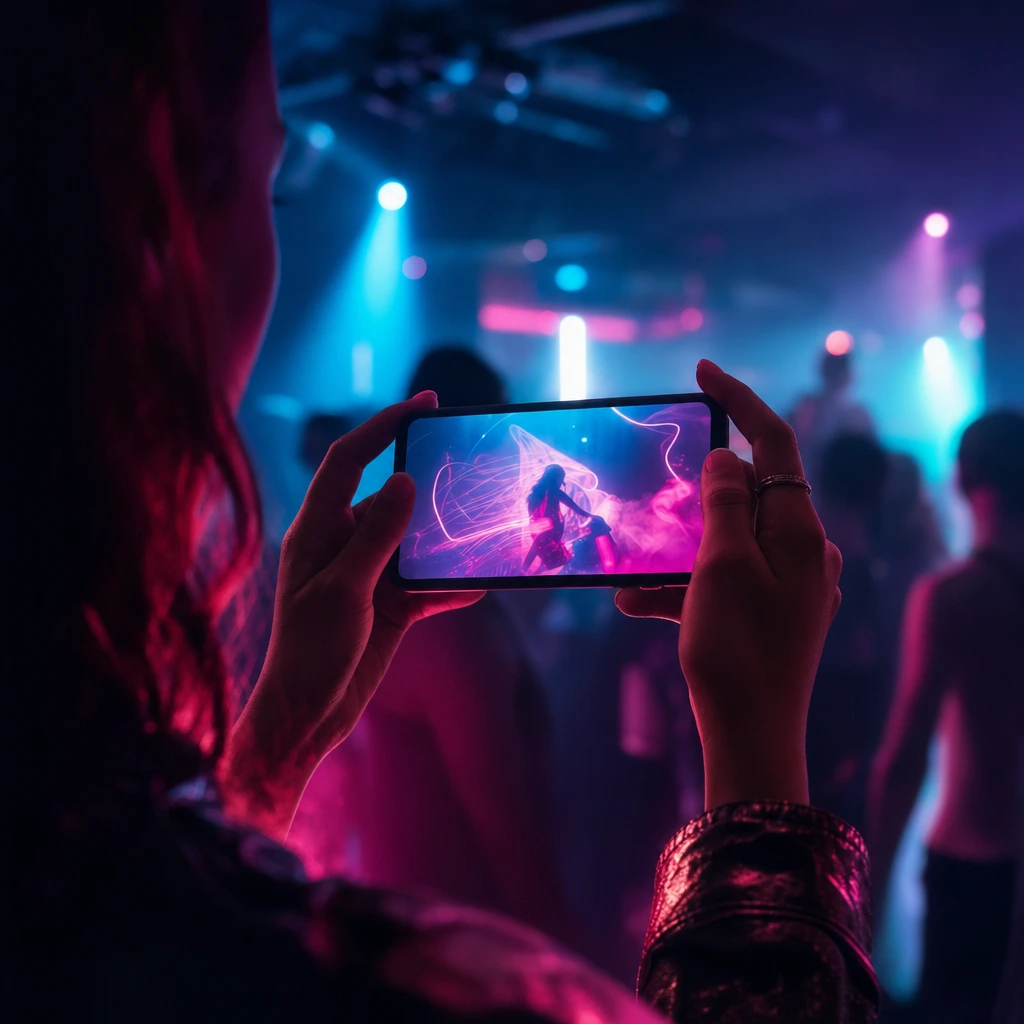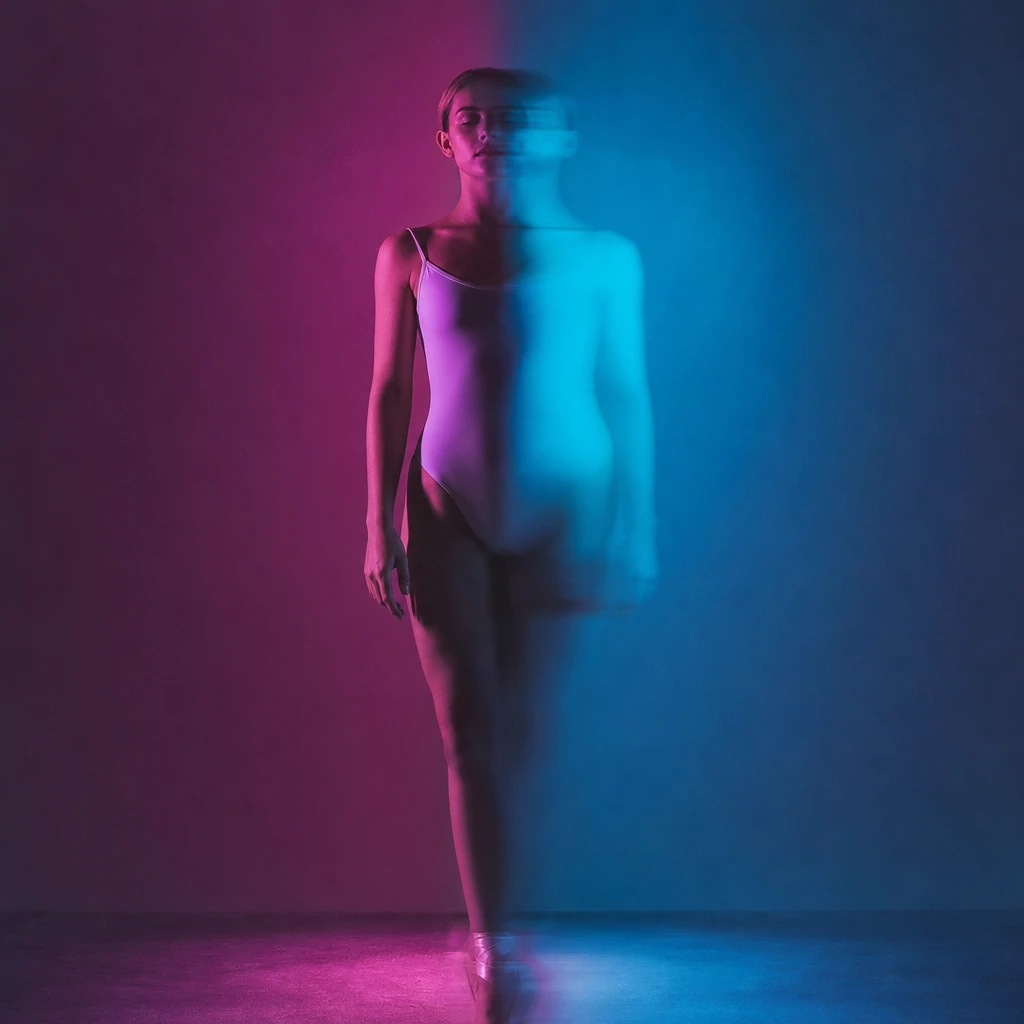
Most "AI dancer" tools ask you to describe a dance in words and hope the model invents something believable. This one starts from real footage: a dancer performs a fixed 8–10 second scene, and the tool puts your face, hair and optionally your outfit onto that performance. The result is not a generic avatar. It is your photo inside a specific camera move, with a specific rhythm.
That design has a trade-off you should know before paying. You get reliable motion and a consistent scene, but you do not get to invent a new dance from a sentence. If you need a custom routine, this is the wrong tool. If you need a recognisable, postable clip of yourself or a character dancing, it is the fastest route from one photo to a finished vertical video.
What an AI dancer can and cannot do
The strong parts are identity, framing and mood. A clear face stays recognisable, the scene keeps its original camera movement, and the lighting is consistent from the first frame to the last. For a social clip, that is most of the effect. Viewers recognise you first, then the dance.
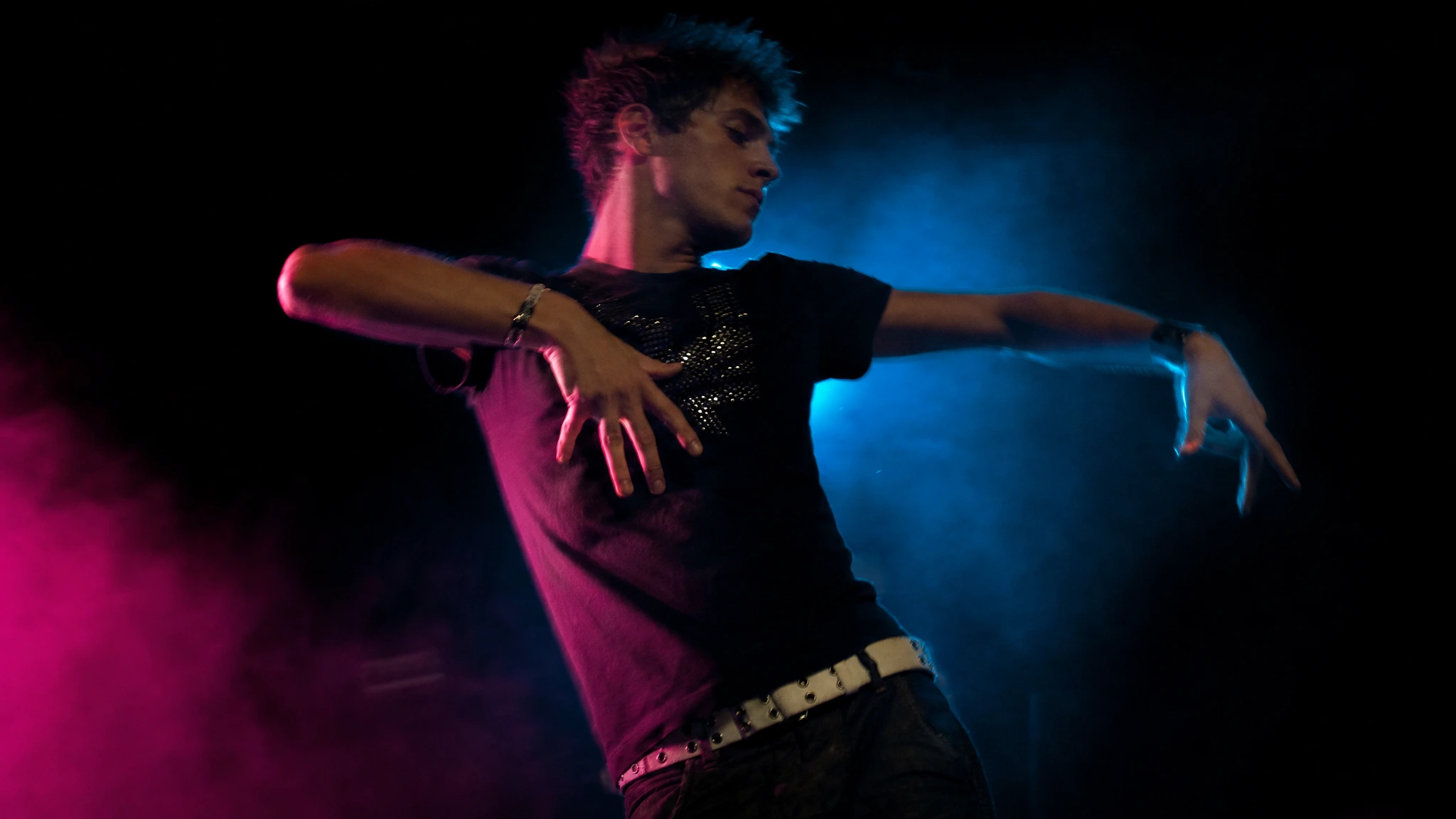
The weak parts are hands, fast arm sweeps and anything the source scene does not contain. Tecktonik is built on sharp arm shapes, so this is close to the hardest possible dance for any video model. Expect some smearing at the fastest moves and do not expect a perfect scan of your face in every frame.
- Use a photo where your face is sharp, evenly lit and at least 500 pixels wide.
- Avoid sunglasses, heavy shadows and hands covering the face.
- Choose the whole-appearance mode only when your outfit is fully visible in the photo.
- Preview the clip before you post; a different scene is often a better fix than a re-roll.
The three choices that change the result
Scene first. The scene decides how many photos you need, how long the clip is and whether it is portrait or landscape. A solo scene needs one photo; a duet scene needs two separate adults. If you pick the scene after uploading, you will often discover you chose the wrong number of performers.
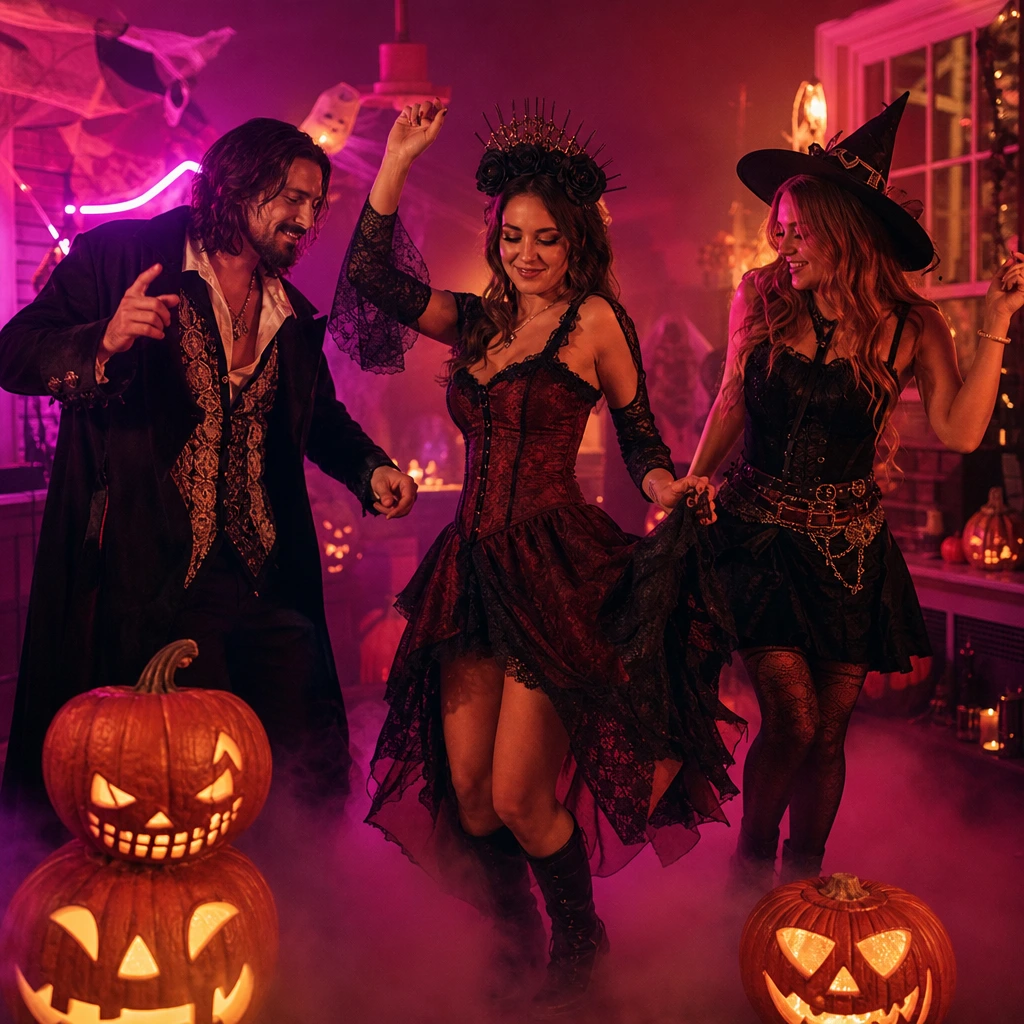
Appearance second. Face-and-hair mode keeps the scene’s original outfit and takes only your likeness. Whole-appearance mode takes your face, hair and clothes, which is the right choice for a costume, a wedding outfit or a Halloween look. The second mode needs a photo that actually shows the outfit.
Direction last. One concrete line, such as "keep my glasses and curly hair", is useful. A paragraph of conflicting instructions is not. The model is editing a performance, not following a screenplay.
AI dancer vs filming yourself
Filming yourself is still the highest-fidelity option, and it is free. The reason to use an AI dancer is not realism at any cost; it is speed, privacy and a scene you could not otherwise access. You can make a neon club clip from a photo taken in your kitchen, or put a family member into a duet without asking them to learn choreography.
The honest comparison is this: a real dancer gives you better hands and better rhythm; an AI dancer gives you a finished clip in minutes, with no studio, no crew and no travel. For a birthday message, a costume post or a quick TikTok, the second trade is often the right one.
How to make one in six steps
Pick a scene and preview the source footage. Upload one adult photo per performer. Choose face-and-hair or whole appearance. Tick the consent box and confirm the credit cost. Wait for the status to move from checking to generating to review. Preview the result, then download the MP4.
The whole job is asynchronous, so you can close the tab and come back. Only one job runs per account at a time, which keeps the queue fair and prevents accidental double charges. If a job fails, its credits are returned automatically.
Frequently asked questions
Is the AI dancer free?
No. The first clip is paid: a standard video costs 30 credits, which is $9.90 in the one-video pack. There is no free render that consumes upstream GPU time. You can preview every source scene and read the full workflow before paying.
Can I choose the dance or the song?
You choose a prepared scene, not a free-text dance. The scene supplies the choreography and camera movement. The output is silent, so you add your own licensed music in TikTok, Reels or CapCut.
Will it keep my face?
Yes, the face is the primary thing the tool preserves. Small details can drift between frames, and hands or very fast arm movement are the least reliable areas. A sharp, evenly lit photo gives the model the best chance.
Can I make a two-person AI dancer?
Yes, with a duet scene and two separate photos, one adult per photo. Do not upload a group photo and expect the tool to split it; each performer needs their own file so the identity mapping stays consistent.
Can I use the result commercially?
You need the rights to every photo you upload and permission from every adult shown. The site’s terms cover your own creative use, but you are responsible for the people, costumes, trademarks and music involved. When in doubt, keep the clip personal.