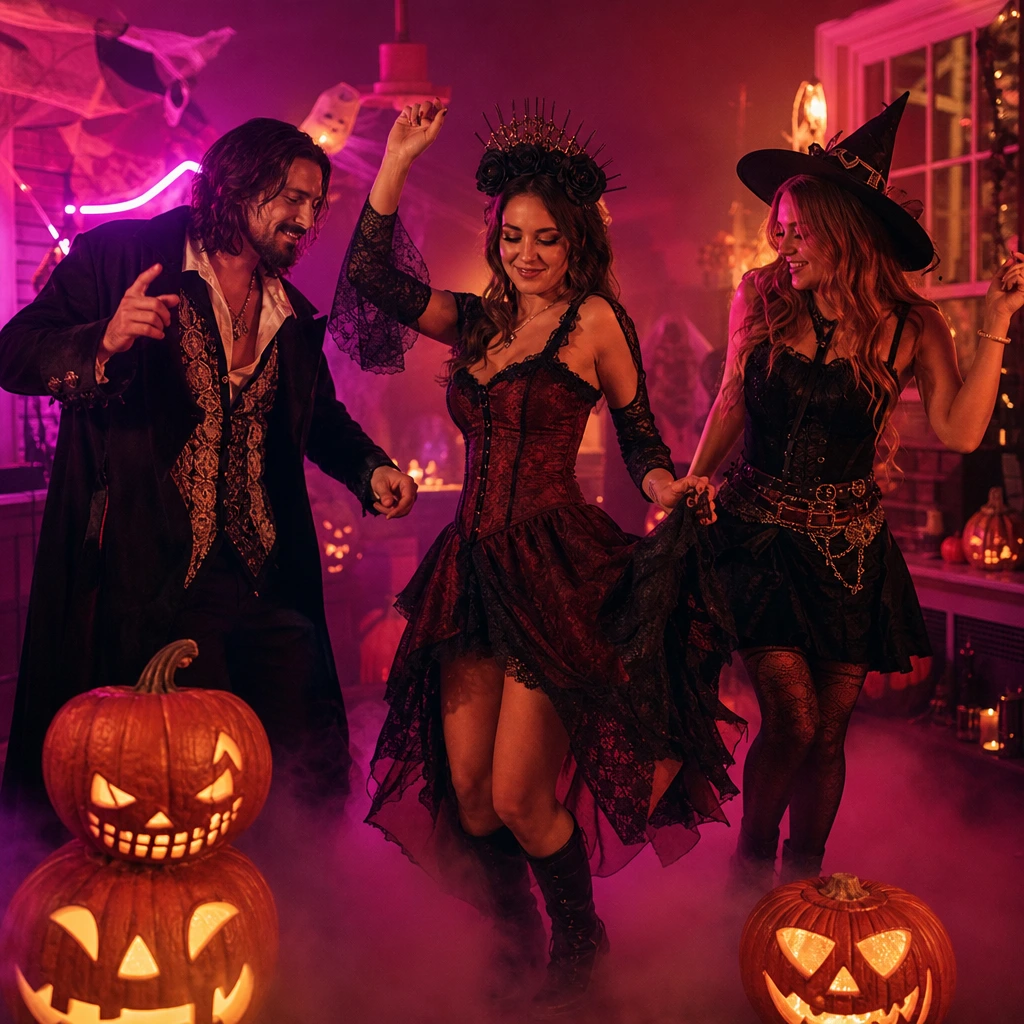
Halloween is the one night when a dance video is more useful than a photo. A costume is a silhouette, and a silhouette is exactly what a short clip sells: the cape moves, the braids swing, the makeup catches the light. But most people film in a dark room, with a phone propped on a shelf, and the result is a grainy clip nobody posts.
A photo-to-dance clip solves the production problem. You bring one good costume photo; the tool supplies the camera, the lighting and the movement. This guide gives you 25 ideas that work within that constraint, plus the photo checklist and the posting schedule that actually matters in the last ten days of October.
The photo checklist before the ideas
A Halloween costume photo has three jobs: show the face, show the silhouette and show the makeup. If any of those is missing, the clip will look like a generic dance with a costume-colored blur.
- Face: front-facing, evenly lit, no mask covering the eyes. If the costume includes a mask, take one photo with it and one without; use the without-mask photo for the clip and add the mask as a prop in the caption.
- Silhouette: a hat, a cape, a veil, a jacket or a full skirt gives the model a shape to preserve. A tight black bodysuit with no accessories is harder to read.
- Makeup: light it from the front. A phone torch held at chest height is better than a ceiling light behind you.
- Background: a plain wall. A busy party background confuses the costume edge.
- Resolution: at least 500 pixels across the face. Do not send a screenshot of a screenshot.
25 Halloween dance video ideas
Solo costume ideas
- Witch with a hat. The hat gives the model a clear top edge; the scene supplies the arm movement. Use whole-appearance mode.
- Skeleton bodysuit. High contrast, easy to read at thumbnail size. Add white sneakers so the feet do not disappear.
- Vampire cape. The cape is the whole joke. A full-body photo lets the model keep the flare.
- Ghost sheet with eye holes. Risky: the face is hidden. Use a photo with the sheet lifted, or choose a different costume.
- Zombie prom queen. The dress and the makeup carry the story. A three-quarter photo is enough.
- Mad scientist. Lab coat, goggles and messy hair. Keep the goggles in the direction line.
- Neon rave skeleton. Black outfit with UV paint. The scene’s magenta and cyan light does half the work.
- Creepy doll. Braids, pink dress, exaggerated blush. A close portrait works because the face is the costume.
- Plague doctor. The mask hides the face; use a photo with the mask pushed up, or accept a more abstract result.
- Disco devil. Sequins, horns and platform shoes. Whole-appearance mode keeps the shine.
Couple and duet ideas
- Angel and devil. Two separate photos, one duet scene. The contrast reads instantly.
- Wednesday and Pugsley. Original takes on the goth sibling look; avoid copying a specific film frame.
- Ghost bride and groom. A wedding photo plus a white dress and dark makeup. The duet scene supplies the turn.
- Hunter and vampire. One costume light, one dark. Use the two-person trend scene for a wider frame.
- Matching skeletons. The simplest couple costume and the easiest to read in a single photo.
- Cowboy and alien. A funny mismatch; the duet interaction sells the joke.
- Zombie couple. Torn clothes and pale makeup; keep both faces clear.
- Movie usher and popcorn. A costume that reads as a couple only when both are in frame.
- Black cat and witch. The cat ears are a strong silhouette; the witch hat balances the frame.
- Two versions of the same character. One photo each, same scene, then post the two clips side by side.
Makeup-led and close-up ideas
- Half-skull makeup. A close portrait is enough because the makeup is the costume. Use face-and-hair mode.
- Glowing eyes. A dark photo with bright eye makeup; the scene’s rim light makes it pop.
- Tears of blood. A close, front-lit photo; keep the direction line to "preserve the makeup".
- Pop-art zombie. Bold colors and graphic lines; avoid heavy smoothing filters.
- Invisible man. Bandages, sunglasses and a hat. The silhouette is the joke; a full-body photo is required.
Matching the idea to a scene
The scene library is not a costume shop. It is a set of camera moves and lighting setups. The closest Halloween matches are the solo neon stage for a party look, the rain-lit pier for a thriller mood and the two-person trend scenes for a couple costume.
If you want pumpkins, fog and a haunted house, add them after generation in CapCut or Canva. The tool is honest about this: it will not invent a haunted set from a prompt. It will give you a clean performance you can grade, crop and decorate.
The posting schedule
Halloween search interest climbs through September and peaks in the last week of October. The practical schedule is:
- October 20–24: generate two or three clips while the queue is short.
- October 25–27: post the first clip and test the hook.
- October 28–30: post the strongest clip with a costume breakdown.
- October 31: post a story or a repost with a "last chance" caption.
- November 1: stop posting Halloween content; the interest drops fast.
Generate before you need the clip. A job that fails on October 30 at 9 p.m. is a missed Halloween, not a minor inconvenience.
Music and labels
The clip is silent. Add a licensed spooky track in TikTok, Reels or Shorts. Do not rip a movie theme or a commercial song; the platform will mute or remove the clip. If you use a platform sound, check whether it is available in your country.
Label the clip as AI-generated where the platform requires it. A simple "AI dance, made for fun" caption is enough for most feeds, and it keeps the trust with the people in the photo.
What to do next
Open the Halloween dance video tool and preview the scenes. If you are making a couple costume, read how to make a couple dance video from two photos. If you want prompts to protect the makeup, use the AI dance video prompt library.