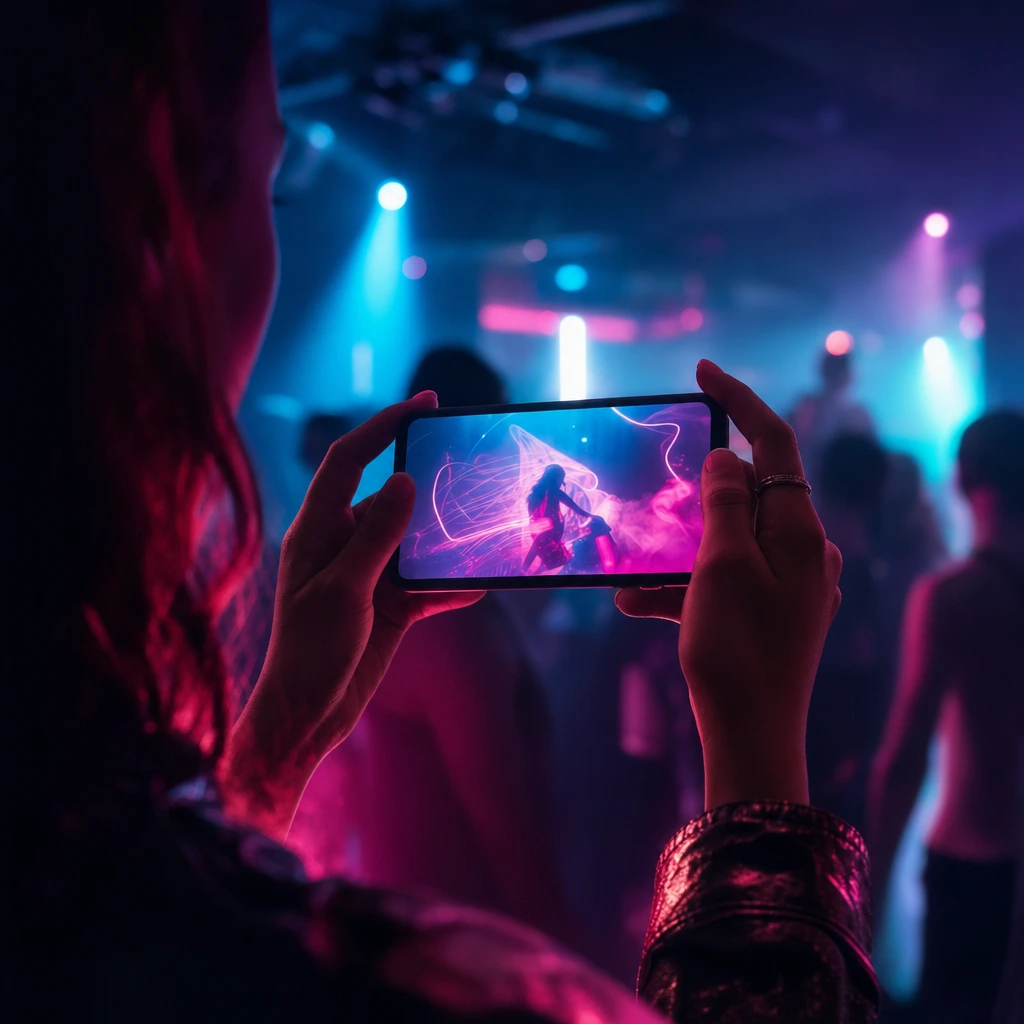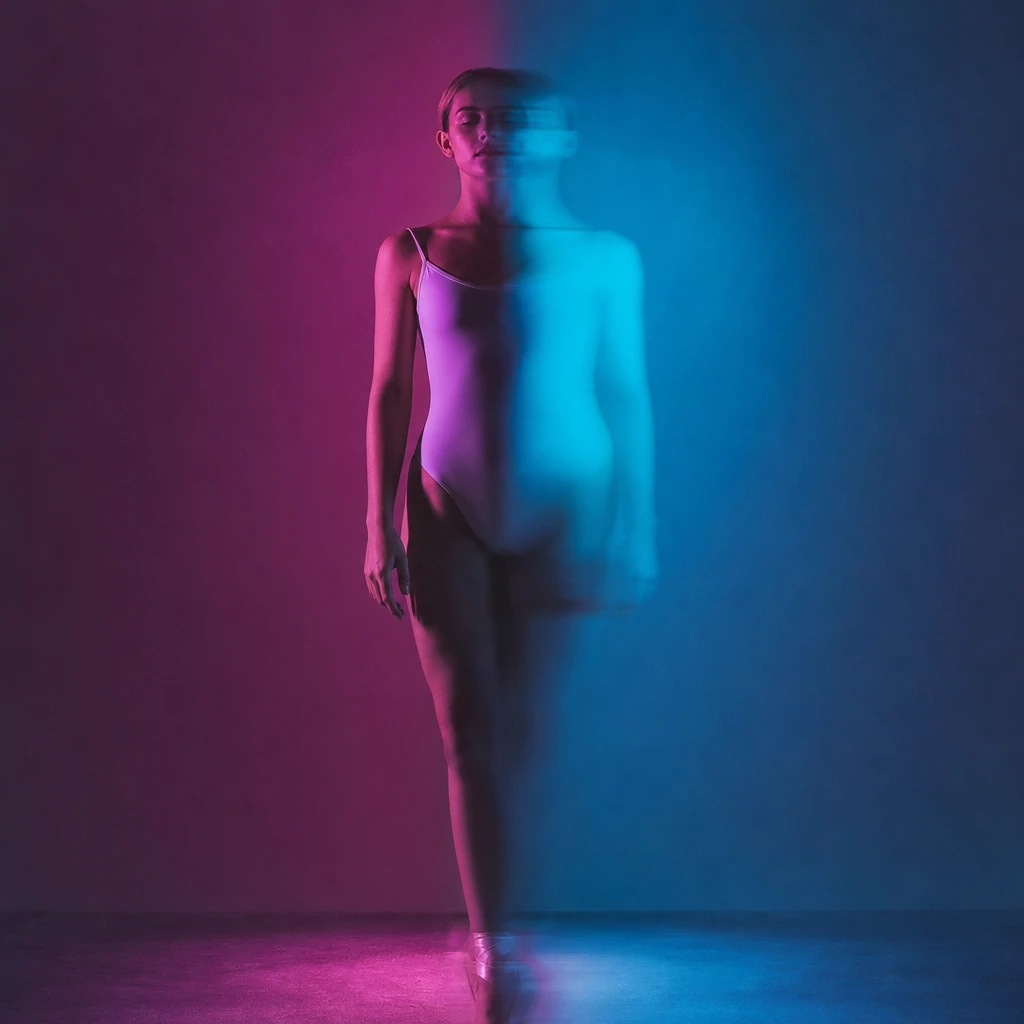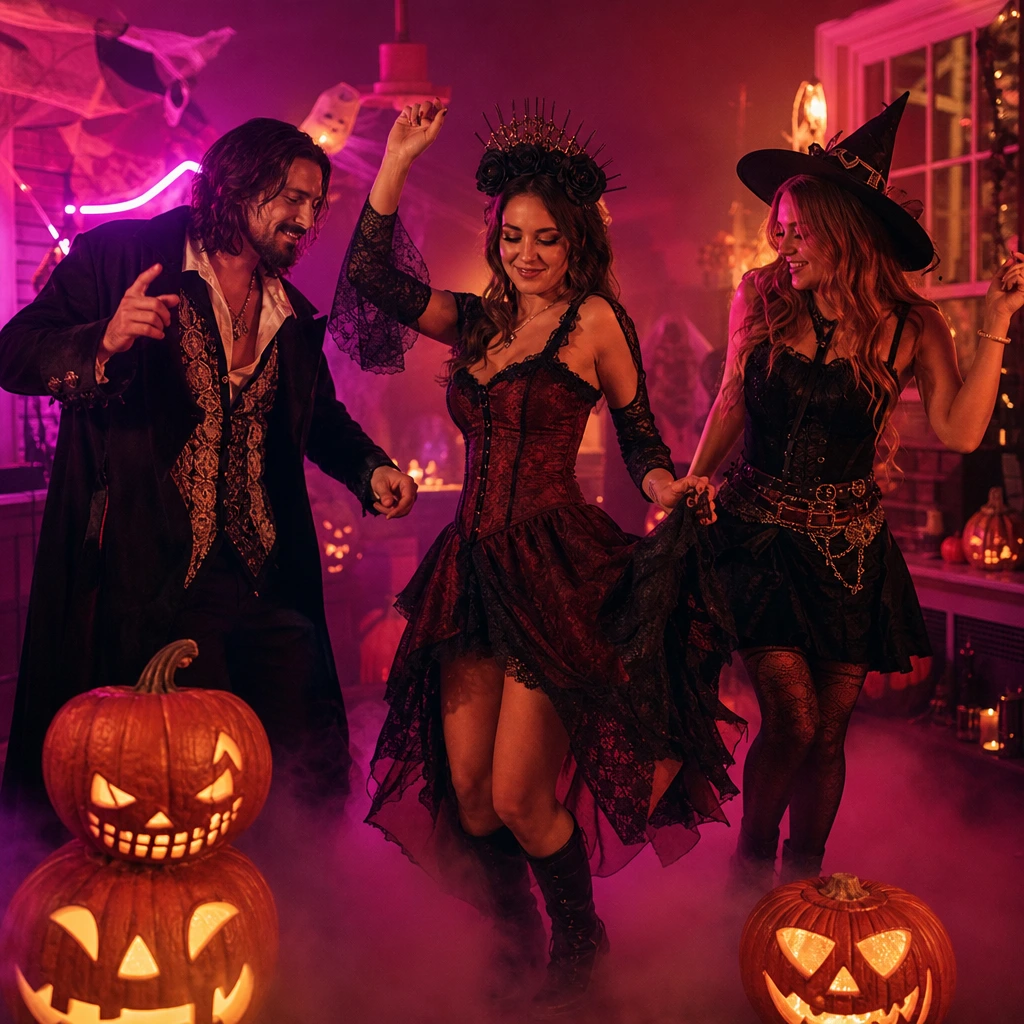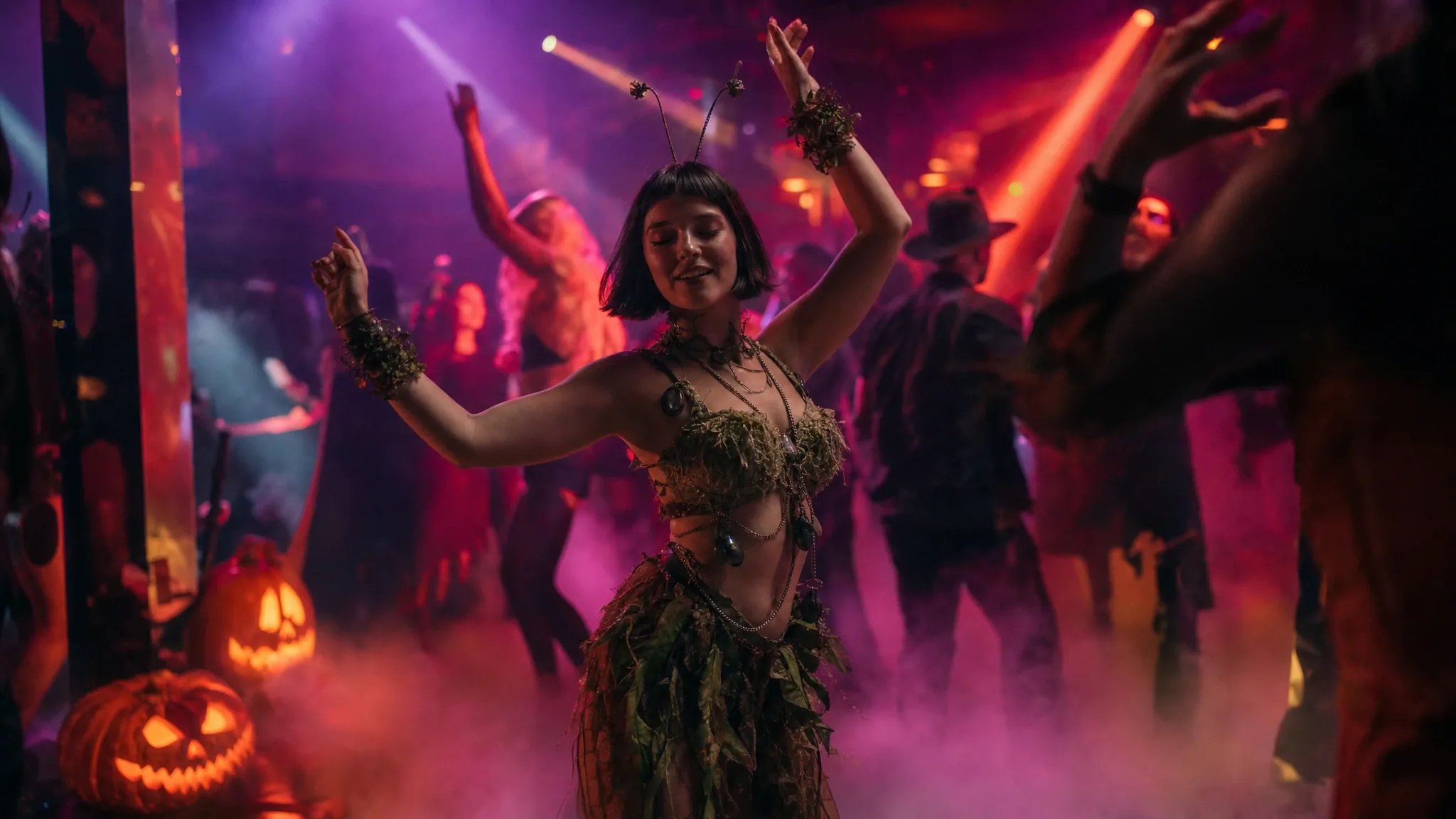
The best Halloween posts are not posed photos. They move: a sleeve swings, a wig turns, the makeup catches the light. But filming a costume in a dark room usually gives you grainy footage and a tripod you do not own. A photo-to-dance clip solves the production problem without asking you to learn choreography.
This page is built for the last ten days of October. It focuses on costumes that read well in a single photo, the scenes that match a Halloween mood, and the crops you need for TikTok, Reels and Shorts. It does not promise a copyrighted character costume or a full movie scene. It turns your own costume photo into motion.
Costume ideas that work in a single photo
A costume needs a silhouette the model can read from one frame. A witch hat, a cape, a military jacket, a veil, a hockey mask, a chef’s coat, a skeleton bodysuit or a neon rave outfit all give the model a clear shape. A costume that only works from the back, or one that depends on a prop you are holding, is much harder.
Makeup is the strongest Halloween signal and the easiest thing to lose. Use a close, sharp photo with the makeup lit from the front. If the makeup is the whole costume, choose a solo scene and keep the direction line to "preserve the makeup and the hair".
- Full-body or three-quarter photo for capes, dresses and jumpsuits.
- Face-and-shoulders photo for makeup, masks, braids and hats.
- Avoid props that cover the face; the model needs the face to anchor identity.
- Shoot against a plain wall so the costume edge is not confused with the background.
Which scenes fit a Halloween mood
The scene library is not a Halloween costume shop; it is a set of camera moves and lighting setups. The closest matches are the solo neon stage, the rain-lit pier and the two-person trend scenes. A magenta-and-cyan club scene reads as a party; the pier reads as a thriller; the duet scenes read as a couple’s costume.
If you want pumpkins and fog, add them after generation in CapCut or Canva. The tool is deliberately honest about this: it will not invent a haunted house from a prompt. It will give you a clean performance you can grade, crop and decorate.
The photo checklist for a dark costume
Halloween photos are usually taken at night, which is exactly when phone cameras struggle. Turn on a second light, a phone torch or a window lamp, and stand two steps away from the wall. The goal is an evenly lit face and a costume edge that is not lost in black.
Do not over-edit the photo before uploading. Heavy beauty filters and aggressive background removal can make the face look like a mask, which the video model will then animate. A clean, slightly bright photo is better than a heavily processed one.
Post it before the window closes
Halloween search interest peaks in the last week of October. A clip generated on October 30 still has value on October 31, but a clip generated on November 2 does not. Generate early, keep the MP4, and schedule the post rather than waiting for inspiration.
For TikTok and Reels, crop the portrait scene to 9:16 in the platform editor and add the licensed sound there. For a group costume, use a duet scene with two separate photos; a third person needs a second clip, not a group photo.
Frequently asked questions
Will it keep my Halloween makeup?
The tool preserves the face and hair, and whole-appearance mode preserves the outfit. Makeup usually survives because it is part of the face, but heavy prosthetics and face paint with strong geometric shapes can drift. Use a sharp, front-lit photo and check the preview.
Can I use a group Halloween photo?
Not directly. Each performer needs a separate photo. A duet scene takes two photos, one adult per file. For a group of three or more, make more than one clip and edit them together.
Will the video have Halloween music?
No. Every output is silent. Add a licensed track in TikTok, Reels, Shorts or CapCut. The tool does not supply music and cannot grant rights to a commercial song.
How long does it take?
Generation usually takes a few minutes. The page shows each stage, and you can leave and come back. If a job fails, the credits return to your balance automatically.
Can I make a copyrighted character costume?
You are responsible for the costume and the rights involved. The tool does not include licensed characters or movie footage. An original costume inspired by a mood is safer and usually looks better in a single frame.