The phrase "AI dancer" covers three different products, and mixing them up is why so many people are disappointed. One is an avatar that moves in a game engine. One is a model that invents a dancer from a text prompt. One is a photo-to-dance tool that edits a real performance. They have different costs, different failure modes and different honest use cases.
This guide separates the three, then focuses on the third: the one this site uses. It explains what identity preservation actually means, where the model breaks, and when you should not use it at all.
The three kinds of AI dancer
1. The avatar dancer
An avatar dancer is a 3D character driven by animation clips. You can change the outfit and the camera, and the motion is fully controllable. The catch is that it looks like a game character, not a person. It is great for stylised content and useless for "make me dance in this photo".
2. The text-to-video dancer
A text-to-video model invents a person, a room and a dance from a prompt. The results can be spectacular in a demo and unpredictable in practice. You cannot reliably keep a specific face, a specific outfit or a specific number of people across a clip. It is the right tool for a mood board and the wrong tool for a personal clip.
3. The photo-to-dance editor
This is the workflow on Tecktonik Dance AI. A real dancer performs a prepared 8–10 second scene. The model replaces the performer’s face and hair, or the whole appearance, with the person in your photo. The camera, lighting and choreography stay consistent because they come from the source footage.
The third approach is less flexible than the second but far more reliable for a specific person. You give up "invent a dance from a sentence" and gain "this is actually my face, in a scene that actually moves".
What identity preservation really means
Identity preservation is not a face scan. The model uses the photo as a reference and tries to keep the face recognisable across frames. At thumbnail size, it usually succeeds. At full resolution, you may see the eyes drift, the jawline soften or the hair edge shimmer.
The strongest signals are the ones a human would use to recognise you in a crowd: face shape, eye spacing, hairline, glasses, a distinctive hairstyle. The weakest signals are small accessories, jewellery, tattoos and anything that is partly hidden in the photo. If a detail matters, put it in the direction line and check the preview.
Hands are the weakest part of every video model. Tecktonik is arm-led, so this is the hardest possible dance for the technology. Expect some smearing at the fastest sweeps. A sharper photo and a wider scene help more than generating the same clip five times.
The consent line
An AI dancer of an adult who agreed to the clip is a creative project. An AI dancer of someone who did not agree is harassment. The difference is not technical, and no disclaimer fixes it.
Only upload photos you have the right to use, and only of adults who have consented. Do not use a photo of a public figure, a coworker, an ex-partner or a stranger from social media. Do not use the tool to change someone’s body, remove clothing or create sexual content. The moderation system will block it, and the account can be suspended.
If you are making a clip for a friend as a gift, ask first. A surprise is not consent. If the friend says no, delete the photo and the result.
Where an AI dancer works well
- A personal social clip. You want to post a dance video but do not want to film one. The clip is short, the face is recognisable and the joke lands.
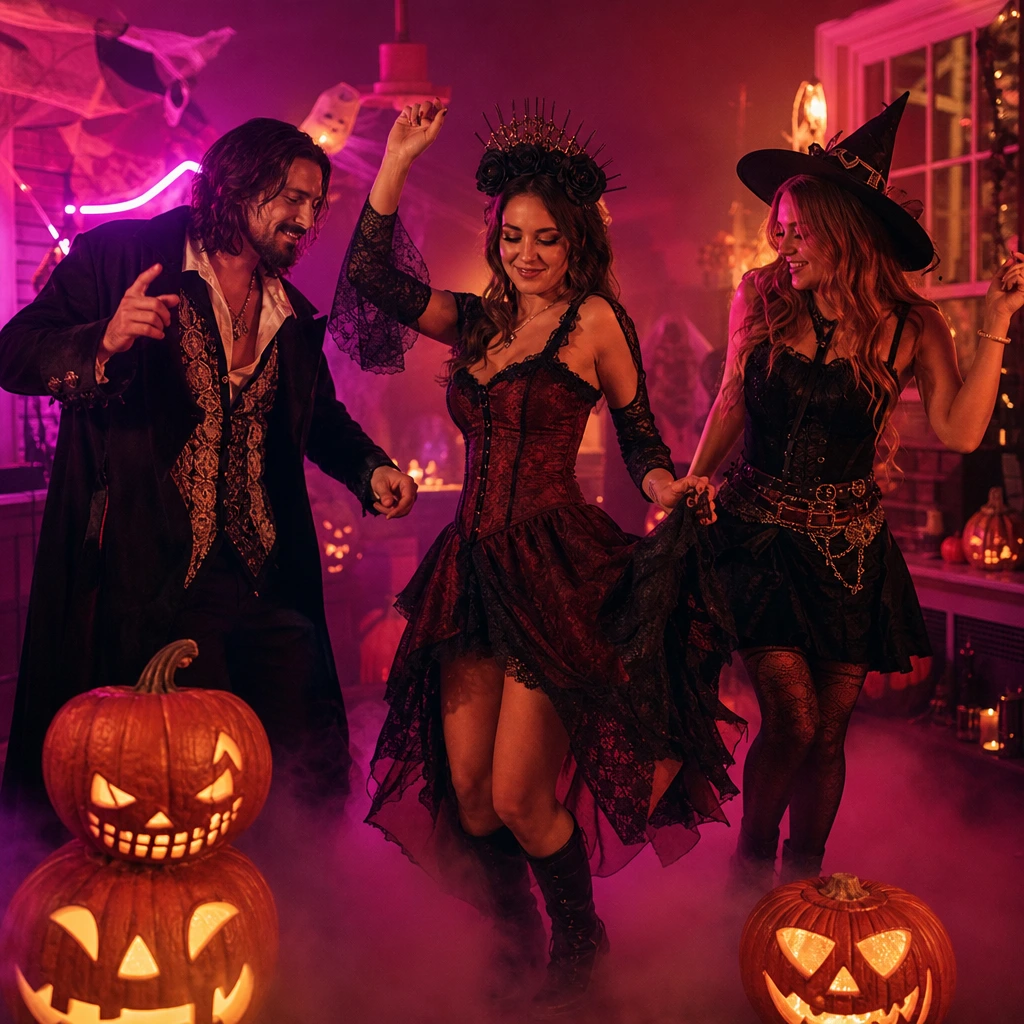
- A costume reveal. Halloween, a themed party or a cosplay test. Whole-appearance mode keeps the outfit; the scene supplies the movement.
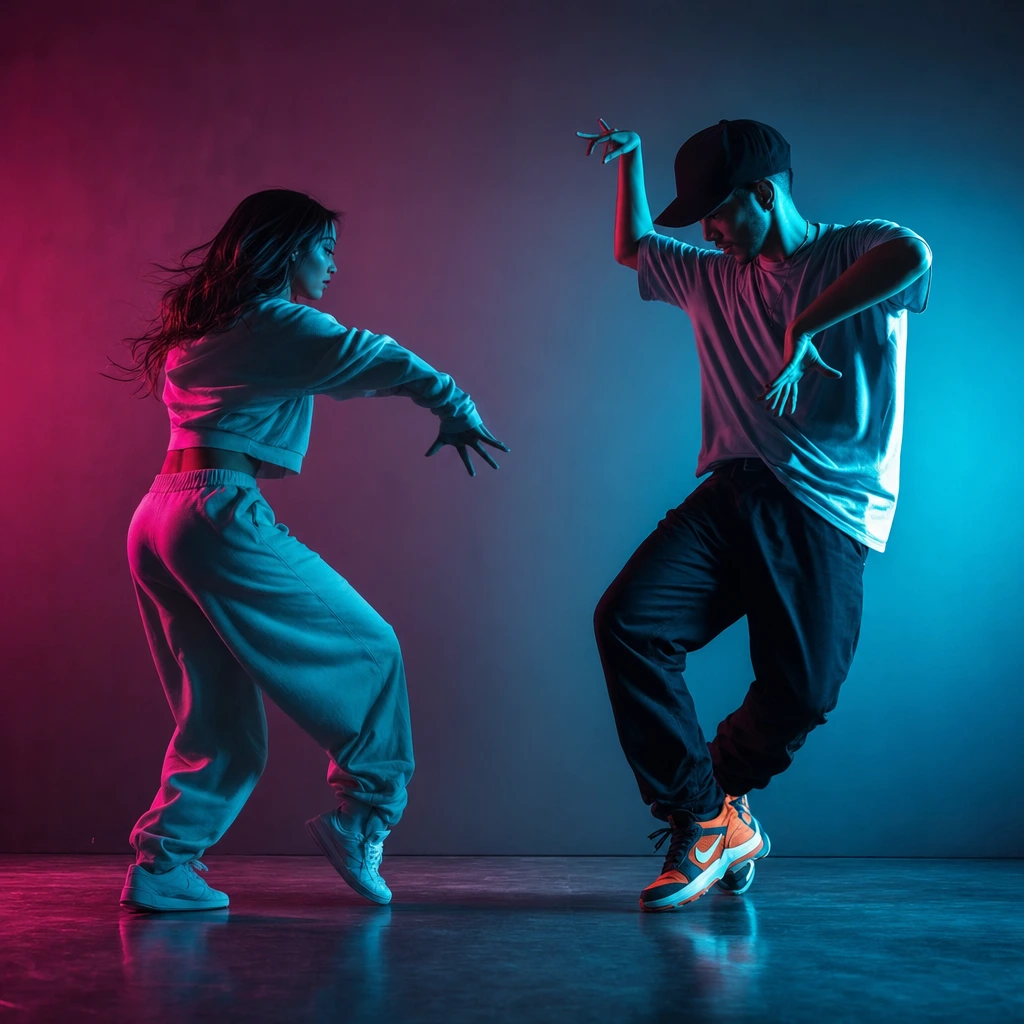
- A couple’s message. Two separate photos, one duet scene, a birthday or anniversary caption. The value is the message, not the realism.
- A wedding teaser. A clearly labelled AI clip for a save-the-date or a thank-you post. Do not present it as real footage.
- A classroom or workshop prompt. A quick visual to start a conversation about AI, identity and synthetic media.
Where an AI dancer does not work
- A client deliverable that must look real. If the hands must be perfect, hire a dancer and film it.
- A specific song, venue or routine. The scene is fixed. You cannot direct a new choreography from a sentence.
- A group of three or more. A duet scene takes two people. A third person needs a second clip and an edit.
- A photo of a child. The product is for adults. Do not upload minors.
- A non-consenting person. This is the hard line. No exception.
The honest cost of a clip
A standard video is 30 credits, or $9.90 in the one-video pack. The three-video pack is $19.90 and the five-video pack is $29.90. There is no free render because every generation costs real GPU time. If a job fails, the credits return to your balance.
That price buys a silent 8–10 second clip, not a custom production. If you need three scenes to compare, the three-video pack is the sensible test. If you need one post, buy one video. Do not buy a yearly plan to save a few dollars on a single clip.
How to judge a result before you post
Four checks, in this order:
- The face at thumbnail size. Squint or shrink the preview. If you still recognise the person, the identity worked. If not, the photo was probably too soft or too filtered.
- The hands at full size. Pause on the fastest frame. Some blur is normal; extra fingers are not. If the hands are the only problem, crop tighter or choose a scene with slower arms.
- The outfit. Check the colour and the silhouette against the photo. If the outfit drifted, you probably used whole-appearance mode with a photo that cropped the clothes.
- The scene. Watch for a jump cut, a flipped frame or a background that changes mid-clip. That is a generation failure, not a style choice. Regenerate with a simpler scene.
A clip that passes three of four checks is usually postable. A clip that fails the face check is not; no caption fixes a wrong identity.
What a good source photo looks like
The ideal photo is boring: front-facing, evenly lit, plain background, no other people, eyes visible, hair not covering the face. A phone portrait taken near a window is usually enough. A professional headshot is better, but a sharp selfie beats a soft studio photo.
Avoid sunglasses, heavy shadows, hands on the face and group shots. Avoid beauty filters that erase texture; the model needs the texture to keep the face consistent. If you wear glasses, keep them on and mention them in the direction line.
What to do next
Open the AI dancer tool and preview the scenes before uploading. If you want a couple’s clip, read how to make a couple dance video from two photos. If you are comparing dance styles, start with Melbourne shuffle vs Tecktonik.