Most "AI dance generator" pages show a smiling avatar and a text box that says "describe your dance". That is not how the reliable tools work. The good ones start from real footage: a dancer performs a fixed scene, and the model puts your identity onto that performance. The result is coherent because the motion already exists. The trade-off is that you cannot invent a new routine with a sentence.
This guide explains what the tool actually does, which inputs matter, what a clip costs, and where it still fails. If you want the tool first and the theory later, open the AI dancer page or go straight to the dance generator.
What an AI dance generator actually does
A photo-to-dance tool has four jobs. It reads the face and hair in your photo. It reads the body and outfit if you ask it to. It maps that identity onto a performer in a prepared scene. It renders a short video that keeps the scene’s camera, lighting and timing.
That is different from text-to-video, where a model invents a person, a room and a dance from a prompt. Text-to-video is impressive in a demo and unreliable for a specific person. Photo-to-dance is less flexible but far more consistent. You are not asking the model to imagine a dancer. You are asking it to replace one.
The prepared scene is the key. Every scene has a fixed number of performers, a fixed duration and a fixed aspect ratio. A solo scene needs one photo. A duet scene needs two separate photos, one adult per file. The scene also decides whether the clip is portrait or landscape, which matters more than most guides admit.
The four inputs that decide the result
1. The scene
The scene is the choreography, the camera and the light. Pick it before you pick the photo. If you choose a duet scene and then upload one photo, you will hit a validation error. If you choose a close-up scene and then complain that the feet are cropped, the scene did exactly what it promised.
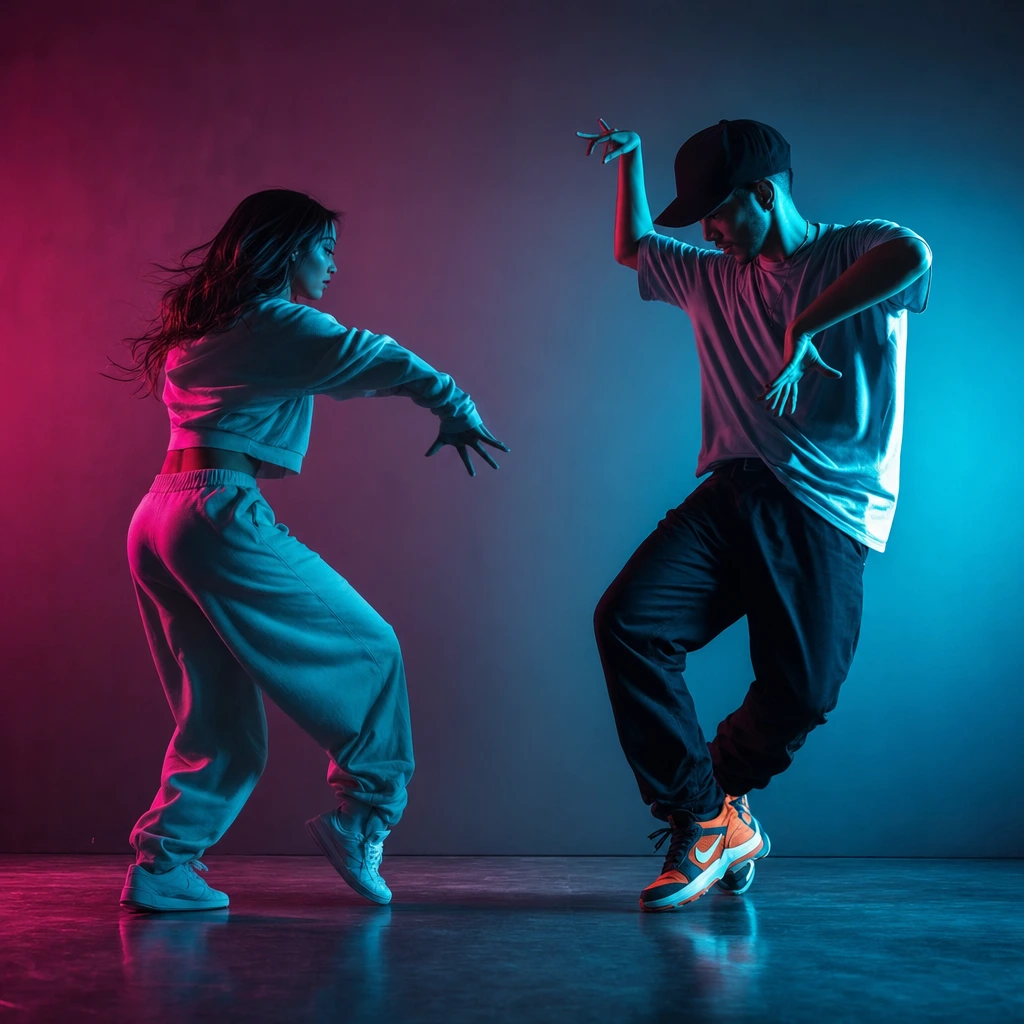
For a first clip, choose a scene whose framing matches the body part you care about. A solo neon stage keeps the whole body. A rain-lit pier is wider and moodier. The two-person trend scenes are landscape and built for interaction. Read the preview before spending credits; it shows the source footage, not a generated result.
2. The photo
One adult per photo. A sharp face, even light and no other person in the frame. JPG, PNG or WebP, up to 10 MB. If the face is 200 pixels wide, the model has almost nothing to anchor on. If the photo is a group shot, the model has to guess which face belongs to which role.
The photo guide goes deeper, but the short version is: front-facing, evenly lit, no sunglasses, no hands over the face, and enough resolution to see the eyes.
3. The appearance mode
Face-and-hair mode keeps the scene’s original outfit and takes only your likeness. Whole-appearance mode takes your face, hair and clothes. The second mode is the right choice for a costume, a wedding dress or a specific streetwear look. It is the wrong choice if your outfit is cropped out of the photo, because the model will invent what it cannot see.
Do not treat this as a cosmetic toggle. It changes what the model is allowed to copy. If you want the scene’s styling, use face-and-hair. If the outfit is the point, use whole appearance and show the outfit.
4. One direction line
The direction field is for one concrete constraint: "keep my glasses", "preserve the red braids", "do not add a second person". It is not a screenplay. A long paragraph of conflicting instructions gives the model no clear priority. One constraint, one run, one comparison.
A realistic walkthrough
- Preview two or three scenes. Pick one for the framing, not for the name.
- Upload one photo per performer. For a duet, use two separate files.
- Choose face-and-hair or whole appearance.
- Add one direction line if a detail matters.
- Tick the consent box and confirm the credit cost.
- Wait for the status to move through checking, generating and review. Preview the result before downloading.
The job is asynchronous. You can close the tab and come back; the job keeps running. Only one job runs per account at a time, which prevents accidental double charges and keeps the queue fair. If a job fails, the 30-credit charge is reversed automatically.
What it costs and what you get
A standard video is 30 credits. The one-video pack is $9.90, the three-video pack is $19.90 and the five-video pack is $29.90. There is no subscription requirement for a single clip. The output is a silent 8–10 second MP4 with the scene’s original aspect ratio.
The silence is deliberate. Music licensing is a separate problem, and pretending otherwise would create copyright problems for users. Add a licensed track in TikTok, Reels, Shorts or CapCut. The music guide explains how to sync a short clip to a beat without stretching the video.
Where AI dance clips actually work
They work best when the clip is a message, not a portfolio piece. A birthday joke. A costume reveal. A long-distance couple’s good-morning post. A wedding teaser. A "we tried an AI dance" reel. The audience is not judging the hand anatomy; they are recognising the person and the joke.
They work less well as a replacement for a real dancer in a client project. If the hands must be perfect, film a real dancer. If the clip must match a specific song, a specific venue or a specific routine, the prepared-scene model is the wrong tool. Knowing that boundary saves money and disappointment.
The failures to expect
- Hands and fast arm sweeps. Tecktonik is the hardest possible dance for a video model because it is built on exactly the motion that breaks. Some smearing is normal.
- Identity drift. Small facial details can change between frames. A sharper photo helps; a heavily filtered photo hurts.
- Outfit invention. If the outfit is cropped, the model fills in the missing part. Use a full-body photo for whole-appearance mode.
- Wrong scene for the body part. A close-up scene will crop the feet. That is not a bug; it is the framing you chose.
- Music mismatch. A slow track under a fast clip looks wrong. Match the energy before you post.
Platform rules for AI dance clips
Every major platform now treats realistic synthetic video as a disclosure problem, not a creative one. Check the current rule before you post:
- TikTok's AI-generated content policy covers labels and realistic synthetic media.
- YouTube's altered or synthetic content disclosure applies to Shorts that could be mistaken for real footage.
- Instagram's AI-generated content guidance explains the in-app label.
These rules change. The safe habit is to label the clip as AI-generated and to keep the face of a real, consenting adult.
What to do next
If you have a photo ready, open the AI dancer tool and start with one scene. If you want to compare styles first, read Melbourne shuffle vs Tecktonik or the Tecktonik moves glossary. If you are ready to buy, the pricing page lists every pack and every plan without a fake countdown.