The most common mistake in AI couple videos is uploading one group photo and expecting the model to split it. It usually guesses, and one person ends up with the other person’s face. This tool avoids that by requiring two files and mapping each file to a named role in the scene.
The result is not a deepfake of a real dance you filmed. It is a prepared performance with your two identities on top. That is why it works for anniversaries, long-distance couples, wedding invitations and funny birthday messages: you do not need both people in the same room, or even the same country.
Why two photos, not one group photo
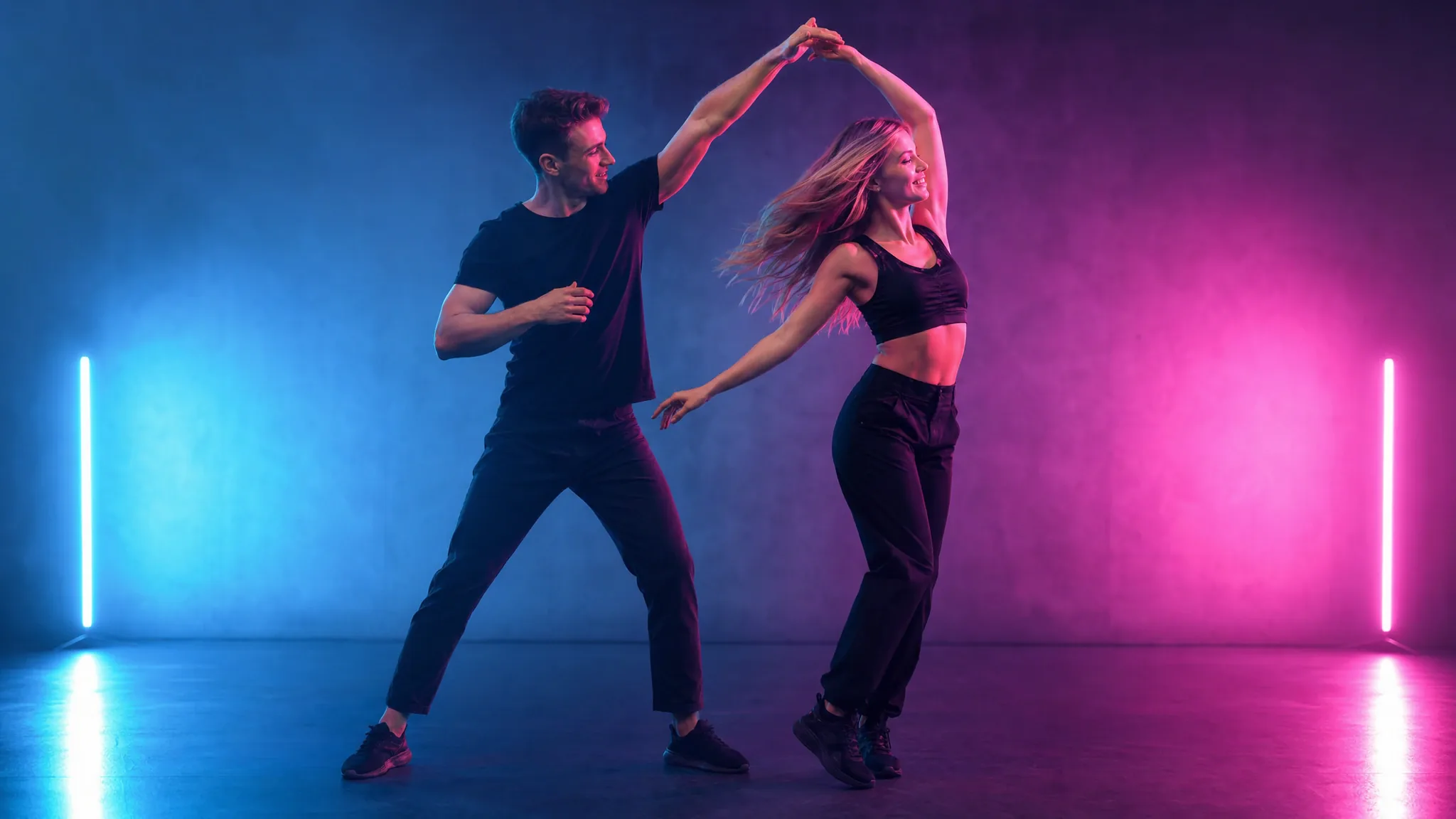
A duet scene has two roles: one person leads, one person turns, or one stands left and one stands right. The tool needs a separate face for each role. A group photo gives it two faces in one frame and no reliable way to know which is which, especially if the people are similar in age or wearing similar clothes.
Two files also let you use photos from different days, different cities or different phones. That is the practical advantage for long-distance couples and for surprise gifts where one person does not know the video is being made.
- Photo A: the person on the left, or the person leading the dance.
- Photo B: the person on the right, or the person being turned.
- Use the same photo style for both if you can; mismatched lighting is the main source of an uncanny result.
- Both people must be adults and must have consented to the photo being used.
How identity mapping works
The scene has a fixed number of performers. Each uploaded photo is assigned to one performer, and the prompt tells the model to replace that performer’s face and hair, or whole appearance, with the person in the matching photo. The instruction also tells the model not to swap the two identities between shots.
That instruction is strong but not absolute. If the two photos look extremely similar, or if one face is much smaller in the frame, the model has less to anchor on. A clear, front-facing photo for each person is the best defence.
A photo checklist for both people
Both photos should have one clearly visible adult face, even lighting and no other person in the frame. If one person wears glasses, keep them on in both the photo and the direction line. If one person has a distinctive hairstyle, do not crop it out.
For whole-appearance mode, both outfits need to be visible. A couple in matching black outfits will read as a unit; a couple in clashing prints may look like two clips stitched together. If you want a specific look, choose face-and-hair mode and let the scene supply the costume.
Ideas that are worth the $9.90
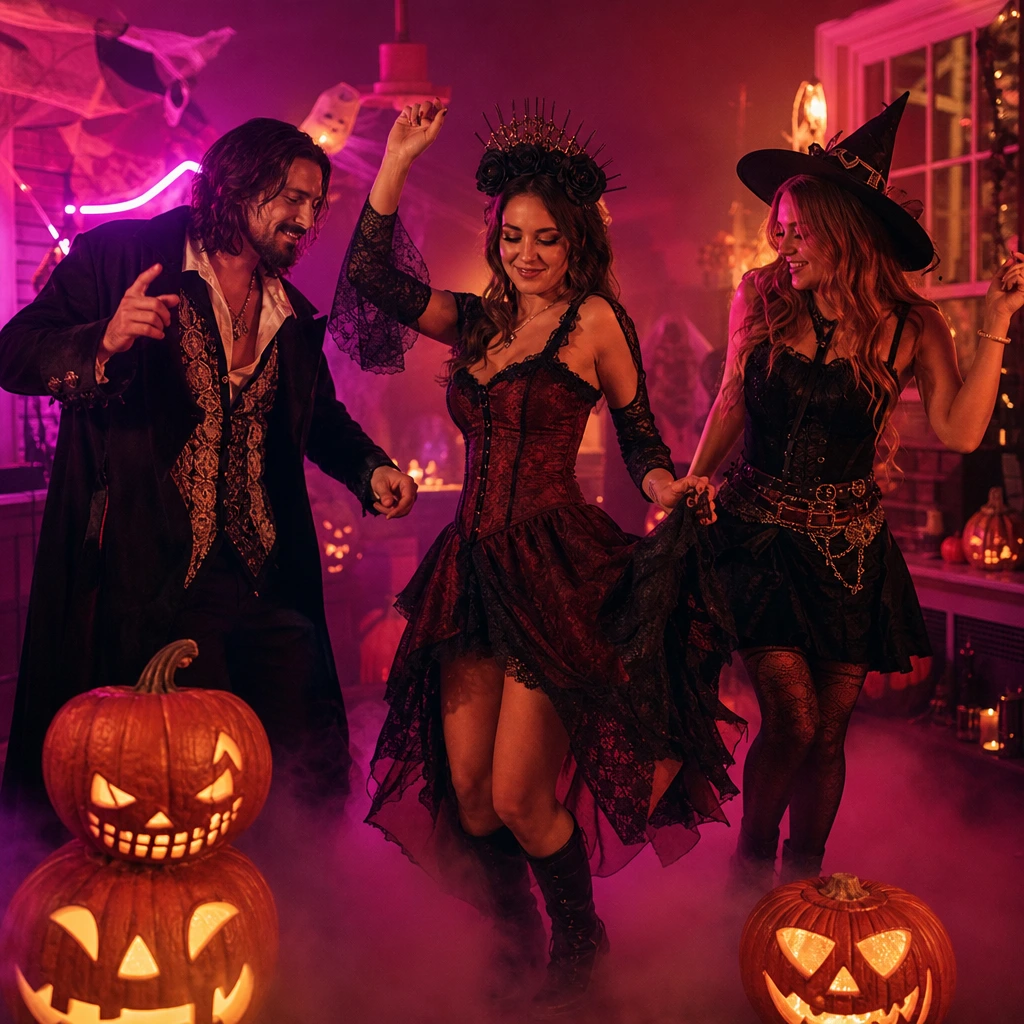
An anniversary reel with the date in the caption. A long-distance "good morning" clip. A wedding invitation teaser. A birthday roast where the couple dances badly on purpose. A Halloween couple costume reveal. The common thread is that the clip is a message, not a portfolio piece.
Keep the clip short and post it where the couple will see it. A 10-second duet is easy to watch and easy to share; a 60-second edit of the same footage is not. If you need a longer video, make two clips with different scenes and cut them together.
Frequently asked questions
Can we use a wedding photo?
Yes, if both people are adults and you have permission to use the photo. Whole-appearance mode can preserve the wedding outfits, but a full-body photo gives the model more to work with than a tight portrait.
Will the faces swap?
The model is instructed to keep each identity in its own role, and two separate photos make that much more reliable than one group photo. Extreme similarity between the two faces can still confuse it; check the preview before posting.
Can we make a same-sex couple video?
Yes. The scene roles are "left and right" or "leading and turning", not gendered. Upload one adult per photo and choose the role that fits the shot.
Can we add a third person?
Not in one duet scene. A third person needs a second clip, or a group edit made outside the tool. Do not upload a group photo and expect the model to split it.
Is the video private?
You choose public or private visibility when you create the job. Private results are not added to the public gallery. Uploaded photos are private inputs and are not shown publicly.