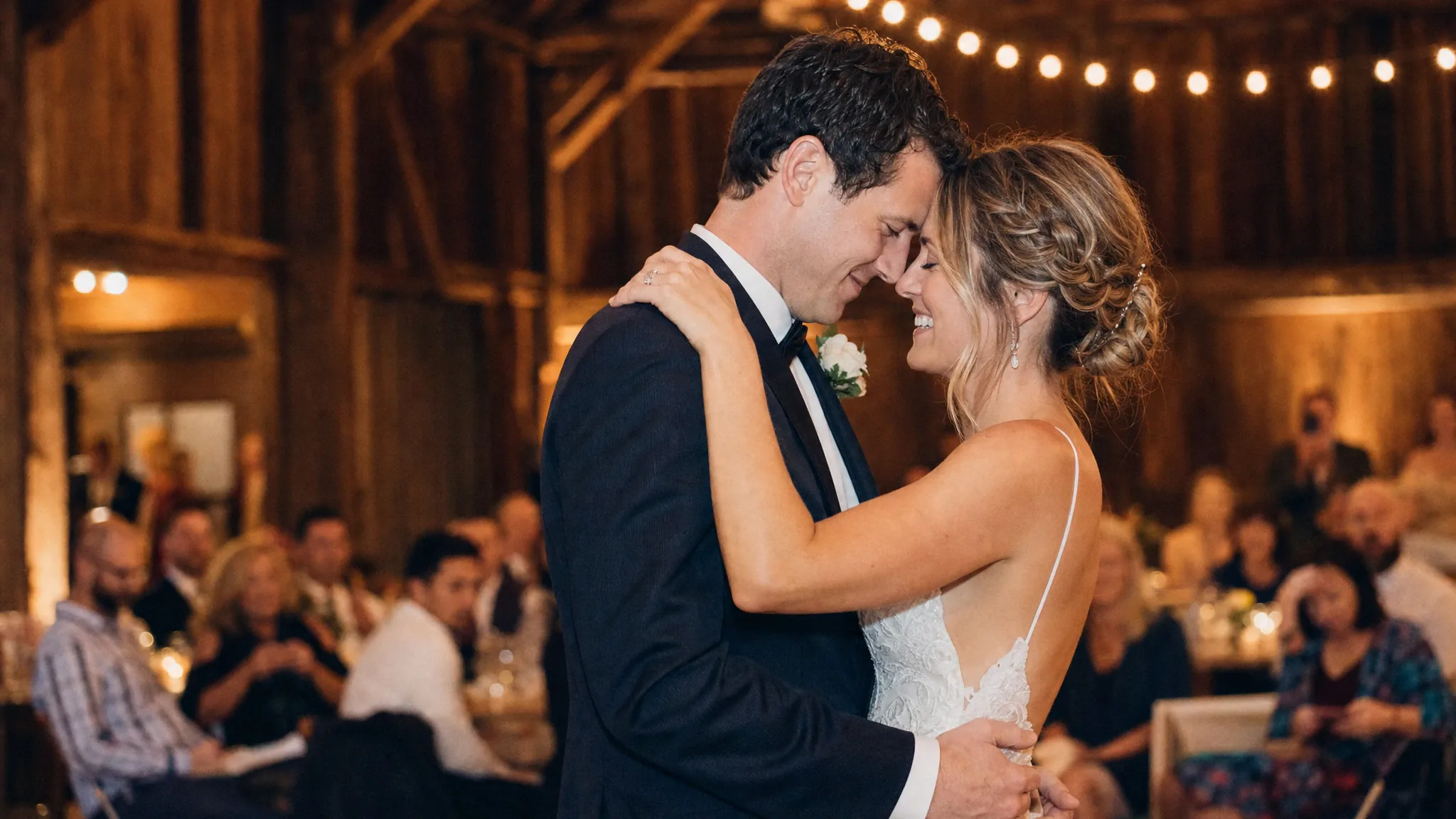
Wedding photos are usually the best photos a couple owns: good light, good clothes, a photographer who knows how to pose. That makes them a strong input for a dance clip. The risk is over-promising. This tool does not recreate your venue, your guests or your actual first dance. It puts your faces and outfits into a prepared scene.
Used honestly, that is enough for a save-the-date teaser, a thank-you post or a funny reel for the group chat. Used as a "wedding video", it will disappoint. Set the expectation before you share it, especially with family who may not realise it is AI.
Three honest use cases
The save-the-date teaser: a 10-second clip of the couple dancing, posted with the date and venue. The thank-you post: a clip with a short caption and a link to the photo album. The group-chat joke: the couple dancing to a song they would never actually choose.
The common thread is that the clip is a message, not a record. Do not label it "our first dance" if it is generated. A simple "AI wedding dance, made for fun" caption keeps the trust and still gets the share.
Which photo to use
A full-body photo shows the dress and suit, which is the whole point of whole-appearance mode. A three-quarter photo is a good compromise if the full-body shot is blurry. A tight portrait is better for face-and-hair mode, where the scene supplies the outfit.
Avoid photos with a bouquet covering the face, a veil that hides the profile, or a group of guests in the background. The model needs one clear adult face per file. If the photo includes both people, crop each person into a separate file before uploading.
A black-and-white wedding photo can work, but the model has no colour cues for the dress or the flowers. If the original colour version exists, use it. If not, add the dress colour to the direction line and check the preview carefully. A phone photo from a guest is often sharper than a professional photo taken from across the room; use the best face, not the most expensive camera.
- One person per file for a duet scene.
- Use the highest-resolution version of the photo you have.
- Do not apply a heavy beauty filter before uploading.
- If the dress is white, check that the background is not also white.
Music, captions and consent
The clip is silent. Add a licensed song in the app where you post, or use a track you have permission to use. A first-dance song is often copyrighted; the platform’s licensed library is the safe route.
Both people in the photo must consent. If one partner does not want an AI version of themselves online, do not post it. A private download for the two of you is still a valid use; the consent is about sharing, not about making.
What it costs and how long it takes
A standard video is 30 credits, or $9.90 in the one-video pack. A duet uses the same credit cost as a solo because the price is per video, not per person. Generation usually takes a few minutes; failed jobs return their credits.
If you need multiple versions for a teaser, buy the three-video pack rather than paying for single videos one at a time. The per-video price drops, and you can compare scenes before choosing the final cut.
Frequently asked questions
Can I use a professional wedding photo?
You need the photographer’s permission if their contract restricts derivative works. Many photographers allow personal social use; check the contract. You also need permission from both people in the photo.
Will it keep the wedding dress and suit?
Whole-appearance mode is designed to keep the outfit, including a dress or suit, as long as the photo shows it clearly. Face-and-hair mode keeps only the face and hair and uses the scene’s outfit.
Can I add our first-dance song?
You can add a song after generation, but the tool does not license music. Use the platform’s licensed library or a track you have permission to use. A commercial first-dance song may be muted or removed.
Is it disrespectful to make an AI wedding video?
It depends on how you present it. A clearly labelled, light-hearted teaser is fine for many couples. Presenting it as real footage, or making it without both people’s consent, is not. When in doubt, ask.
How long is the clip?
The prepared scenes are 8–10 seconds. That is enough for a teaser or a social post, not for a full wedding film. For a longer edit, make several clips and cut them together.