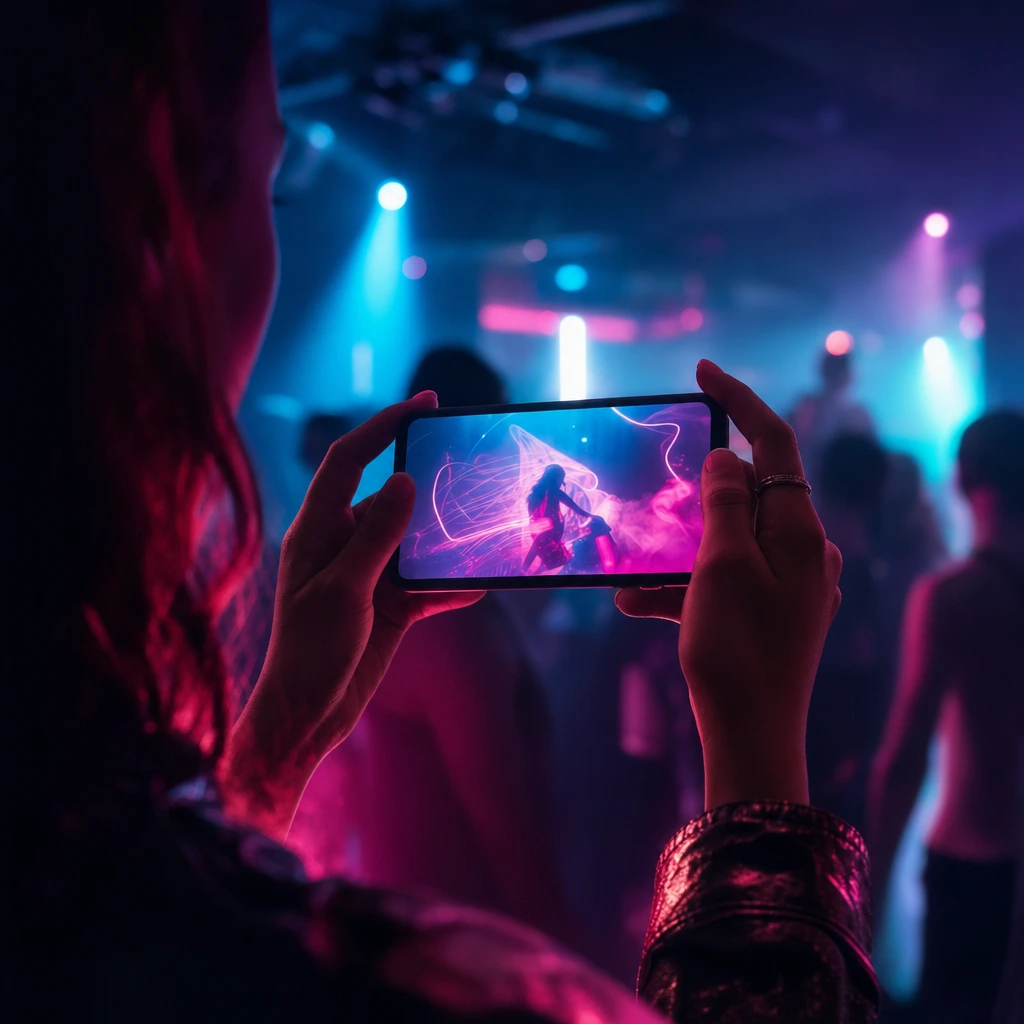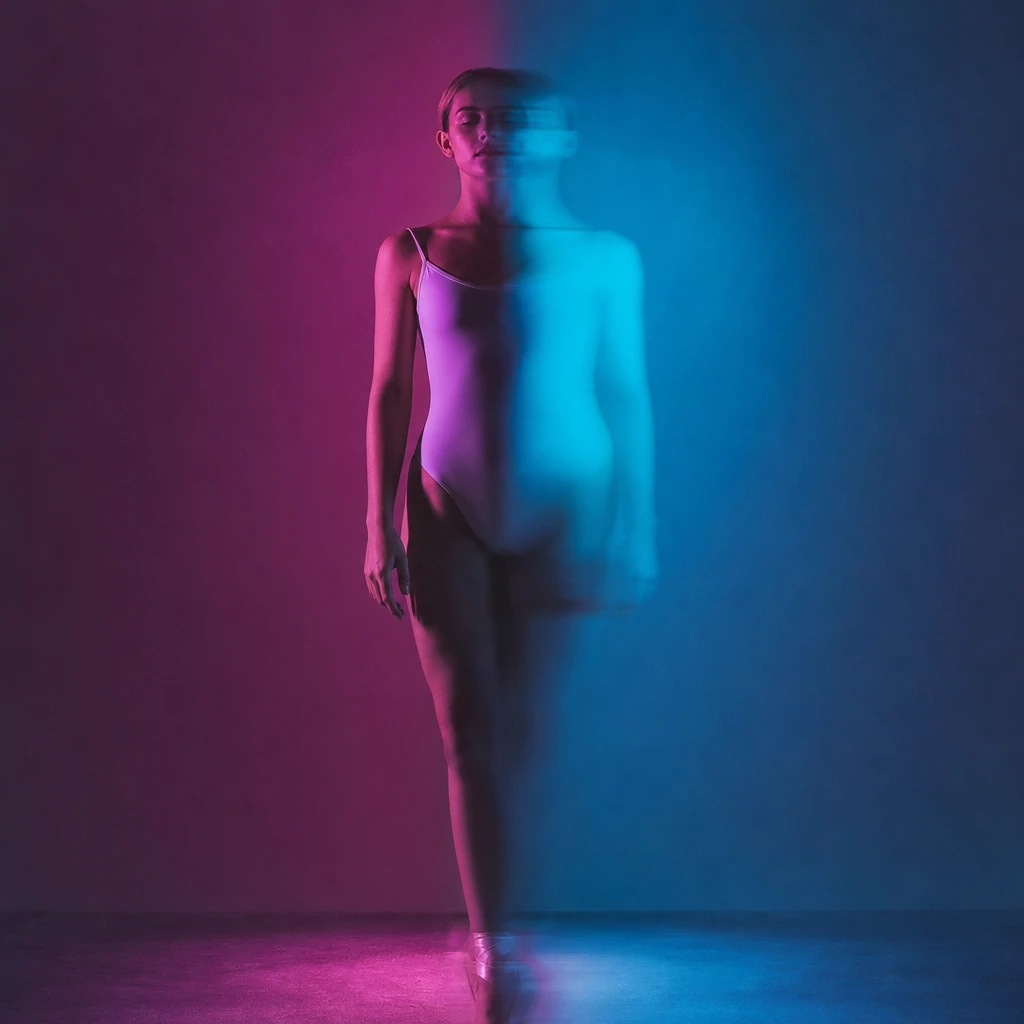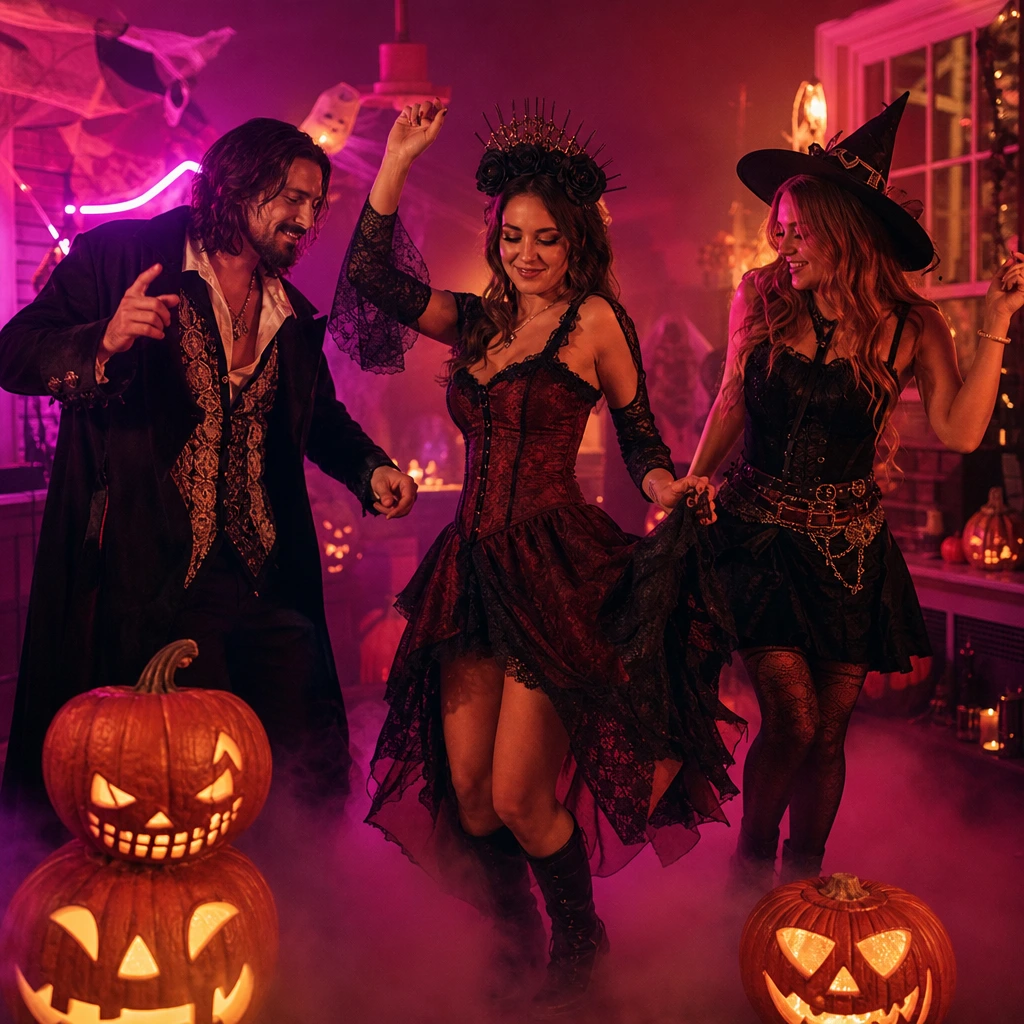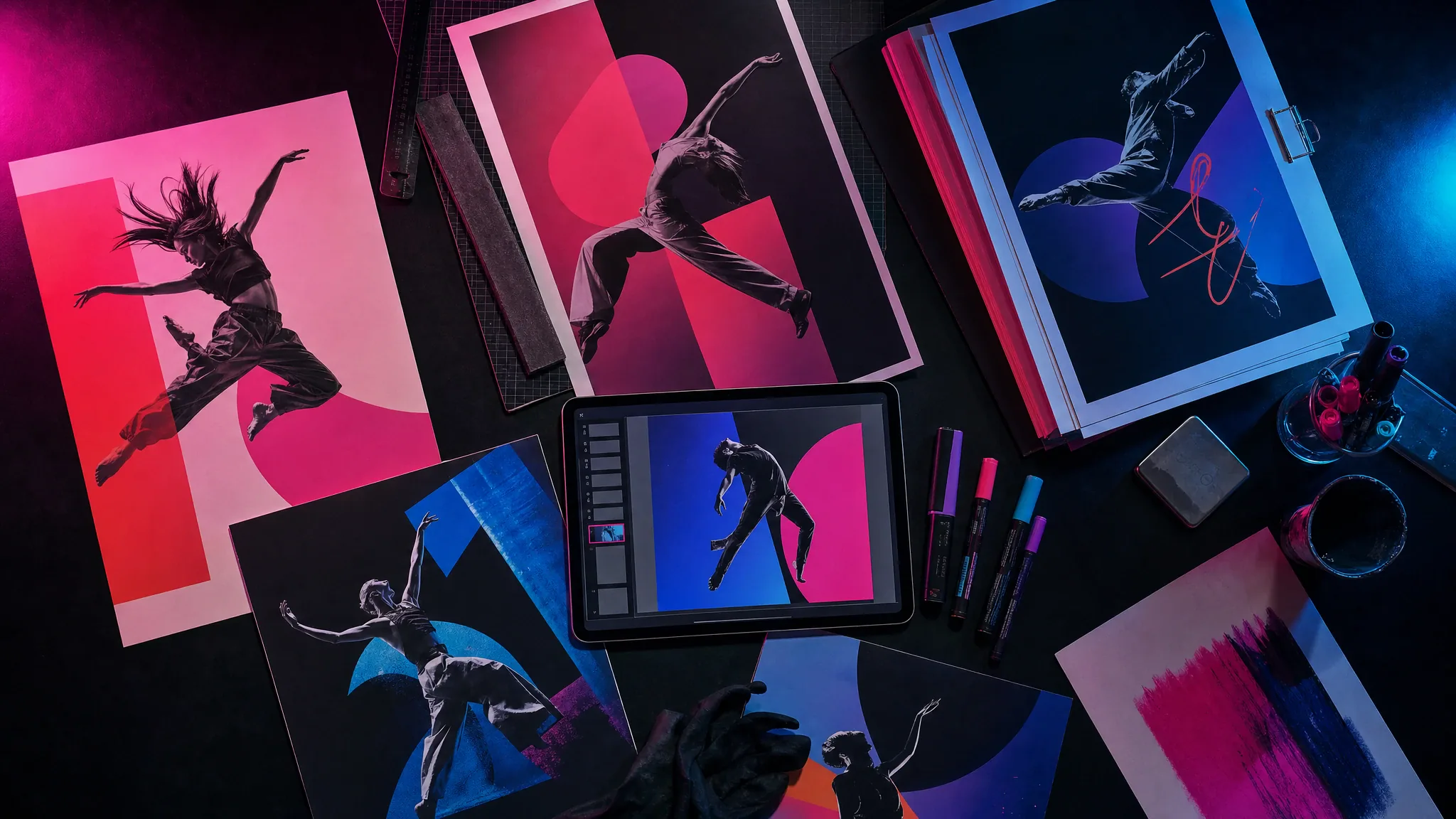
A dance poster is a simple, high-leverage asset. It gives a clip a second life on Instagram, a class a printable flyer, and an event a story image that does not look like a screenshot. Most poster makers are either expensive design apps or watermark-heavy web tools. This one is deliberately small: one photo, one background, three lines of text, one download.
Because everything runs locally in the browser, there is no sign-up, no queue and no upload. That also means it works for photos you would not want to send to a random server. The trade-off is that you cannot save a project or sync it across devices; download the PNG when you are happy with it.
How the poster maker works
Upload a photo, then choose a background. The tool crops the photo to the poster frame, draws the background behind it, and adds your title, subtitle and date. You can move the photo up or down, change the text colour and pick a size. The preview is the final composition; the download is a PNG at the full pixel size.
The photo never leaves the browser. There is no API call, no storage bucket and no account. If you close the tab, the composition is gone, so download the PNG first.
- Use a photo with space around the head; the poster frame is tighter than a phone photo.
- Choose a background that contrasts with the costume or outfit.
- Keep the title under 28 characters so it stays readable at thumbnail size.
- Export 4:5 for Instagram, 9:16 for stories, 1:1 for a profile or flyer.
Five dance poster recipes that work
The class flyer: a full-body dance photo, the neon stage background, the class name, the date and the studio handle. The event poster: a duet photo, the graffiti wall, the event name and the time. The Halloween poster: a costume photo, the moonlit rooftop, the party name and "October 31".
The clip cover: a still from your generated video, the retro paper background, a short hook and the platform handle. The personal poster: a favourite dance photo, the neon stage, a name and a year. None of these need a design app; the constraint is the point.
Dance poster sizes and where to post
Instagram feed posters work at 4:5 (1080 × 1350). Stories and Reels covers work at 9:16 (1080 × 1920). A square 1:1 (1080 × 1080) is the safest for a profile grid, a printed flyer or a link preview. The tool exports all three at full resolution.
For print, a 1080-pixel-wide PNG is fine for a handbill or a social post, not for a large poster. If you need A3 or larger, export the 4:5 file and upscale it in a print tool, or rebuild the layout in a vector editor. The tool is honest about being a social-first poster maker.
Privacy and rights
The photo is processed locally. Nothing is uploaded, so there is no server-side copy to delete. You still need the rights to the photo and permission from the people in it. If you use a background image from this site, it is an original asset generated for the tool and can be used in your poster.
Do not add a copyrighted film logo, a sports team crest or a brand mark you do not own. A poster that looks like an official event can create a legal problem faster than it creates tickets.
Frequently asked questions
Is the dance poster maker free?
Yes. The poster maker runs in your browser and does not use a paid generation API. There is no sign-up and no credit charge. The video generator on the same site is a separate paid tool.
Does it upload my photo?
No. The image is loaded into a canvas in your browser and never sent to a server. That is also why there is no cloud project to reopen later; download the PNG before closing the tab.
What size should I export?
4:5 (1080 × 1350) for an Instagram feed, 9:16 (1080 × 1920) for stories and Reels covers, 1:1 (1080 × 1080) for a profile grid or a simple flyer.
Can I use the poster commercially?
You can use your own composition commercially if you have the rights to the photo and the people shown. The backgrounds are original assets for this tool. Do not add third-party logos or trademarks you do not own.
Can I use the poster as a video thumbnail?
Yes. Export a 9:16 or 1:1 PNG and upload it as the cover in TikTok, Reels or YouTube Shorts. Keep the title short so it survives the platform’s crop and UI overlays.