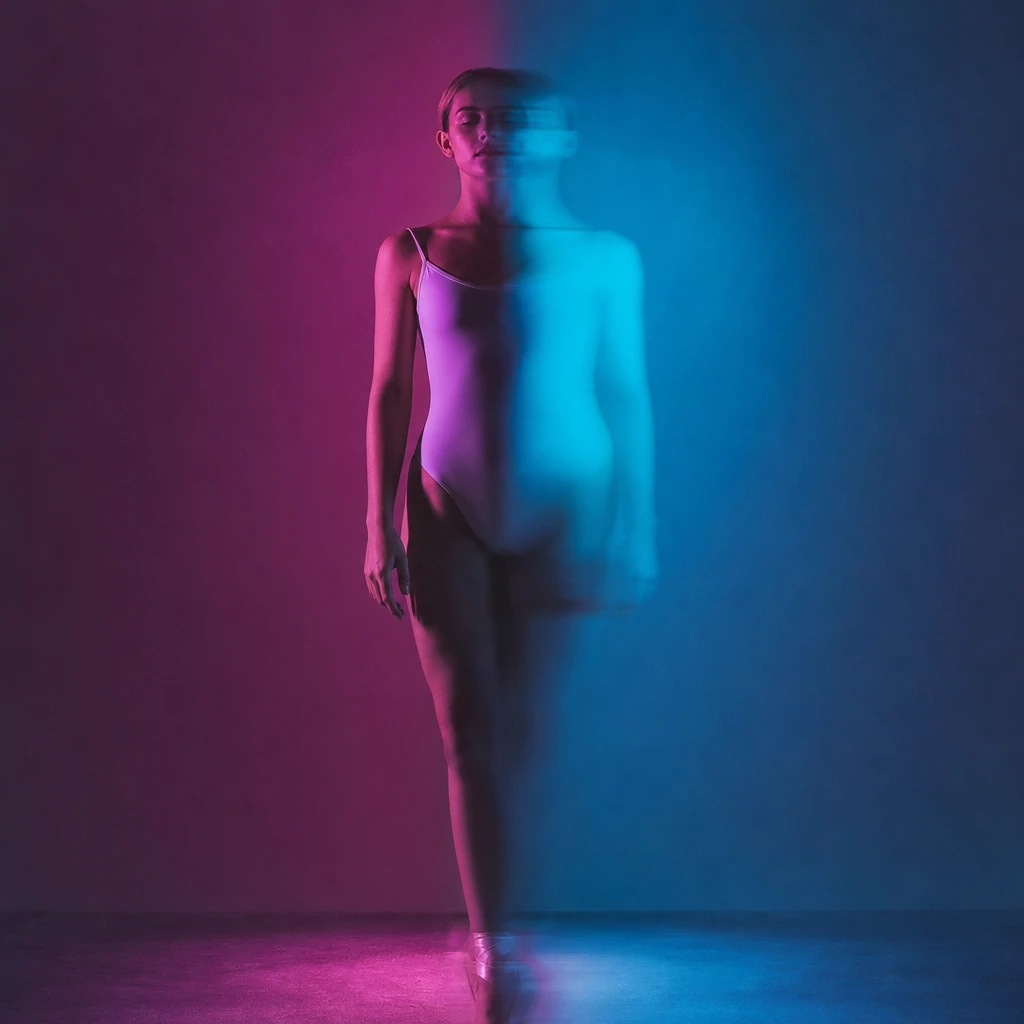
The Tecktonik look is inseparable from the sound. The 2007–2009 YouTube wave was built on compressed electro tracks, flashing lights and a webcam. If you put a soft pop song under a Tecktonik clip, the arms look wrong. If you put a hard electro kick under it, the same clip suddenly works.
This guide covers the tempo range, the track types that fit, and the practical part most guides skip: how to sync a silent 8–10 second clip to a beat in a phone editor. It does not claim to license any commercial track. Use the platform’s licensed library or music you have permission to use.
What Tecktonik music sounds like
The core is four-on-the-floor electro with a hard kick, a filtered bassline and a synth hook that repeats until it is hypnotic. The mood is cold and neon, not warm and organic. Vocals are optional; when they appear, they are usually short, processed and repetitive.
The genre overlaps with electro-house, fidget house and the French electro scene of the late 2000s. You do not need a song labelled "Tecktonik" to make a Tecktonik clip. You need a track with a steady kick, a dark synth and enough space for sharp arm movement.
- 125–135 BPM: the classic Tecktonik pocket.
- Hard kick on every beat; filtered synth or bass hook.
- Dark, minor-key mood; avoid bright major-key pop.
- A clear drop or break gives you an edit point for the clip.
How to sync a silent clip to a beat
Import the clip into CapCut, TikTok or Reels. Add the track first, then trim the clip so the first strong arm shape lands on a kick. If the clip is 8 seconds and the track is 128 BPM, one bar is about 1.875 seconds; four bars is 7.5 seconds. That is your natural cut.
Do not stretch the video to fit the song. Stretching makes the motion look slow or rubbery. Instead, trim the clip and let the loop repeat. A 10-second clip can be cut into two 5-second halves and placed on two different drops.
Where to find music you can actually use
The safest route is the licensed library inside TikTok, Reels or YouTube Shorts. The track is cleared for that platform, and the platform handles the rights. The trade-off is that the same track may be unavailable on another platform.
The second route is a royalty-free library such as the YouTube Audio Library, Pixabay Music or a paid subscription. Read the licence: some tracks require attribution, some do not allow commercial use, and some forbid Content ID registration. Keep the licence file with the project.
Mixing Tecktonik with other styles
A Tecktonik clip can work over electro, techno, hardstyle or even a dark synthwave track if the tempo is close. The dance reads as Tecktonik because of the arms, not because of the genre label. A 140 BPM hardstyle track will make the same clip feel more aggressive; a 120 BPM techno track will make it feel colder.
Do not use a track that is much faster or slower than the scene’s natural rhythm. The mismatch is visible even to viewers who cannot name the BPM. Match the energy first, then the genre.
Frequently asked questions
Can I add music inside the tool?
No. Every generated clip is silent. Add music after generation in the app where you post, using that platform’s licensed library or a track you have permission to use.
What BPM is Tecktonik?
Usually around 125–135 BPM. Hardstyle is faster, around 140–150 BPM. The clip itself has a fixed duration, so trim to the beat rather than stretching the video.
Are the classic Tecktonik tracks licensed for social media?
Not automatically. A commercial track may be muted or removed even if it was popular in 2008. Use the platform’s licensed library or a track with a clear licence.
Can I use the clip commercially with music?
Only if you have commercial rights to both the video and the music. The tool grants no music rights. For client work, use a royalty-free track with a commercial licence and keep the receipt.
How do I make the arms land on the beat?
Trim the clip so the first sharp arm shape lands on a kick, then cut on the next drop. Do not stretch the video. A 128 BPM bar is about 1.875 seconds; four bars is about 7.5 seconds.