Shuffle and Tecktonik are often mixed up because both went viral through grainy nightclub videos. They are different dances. Shuffle lives in the feet and the bounce; Tecktonik lives in sharp arm shapes and a stiff upper body. If you want a shuffle clip, pick a scene with visible footwork and a wide enough frame.
The honest limitation: the scene library is Tecktonik-first. A prepared scene will not suddenly become a technically correct Melbourne shuffle just because the page says so. What you get is the camera, lighting and leg movement of the source scene with your identity on top. If the source scene has a strong bounce and visible shoes, it reads as shuffle-adjacent. If it is a close-up arm wave, it will not.
Shuffle vs Tecktonik in one table
Shuffle is footwork-led: the T-step, the running man, heel-toe pivots and a relaxed bounce. Tecktonik is arm-led: tutting, waving, sharp elbows and a still torso. Shuffle music is usually hardstyle or electro around 140–150 BPM; Tecktonik is French electro around 125–135 BPM.
For an AI clip, the difference matters at the photo stage. A shuffle photo should show your shoes, your stance and your full body. A Tecktonik photo can be a tighter portrait because the arms and face carry the style. Choose the photo to match the dance you want the viewer to read.
- Shuffle: full body, visible sneakers, wide stance, arms loose.
- Tecktonik: three-quarter or full body, sharp arms, strong eye contact.
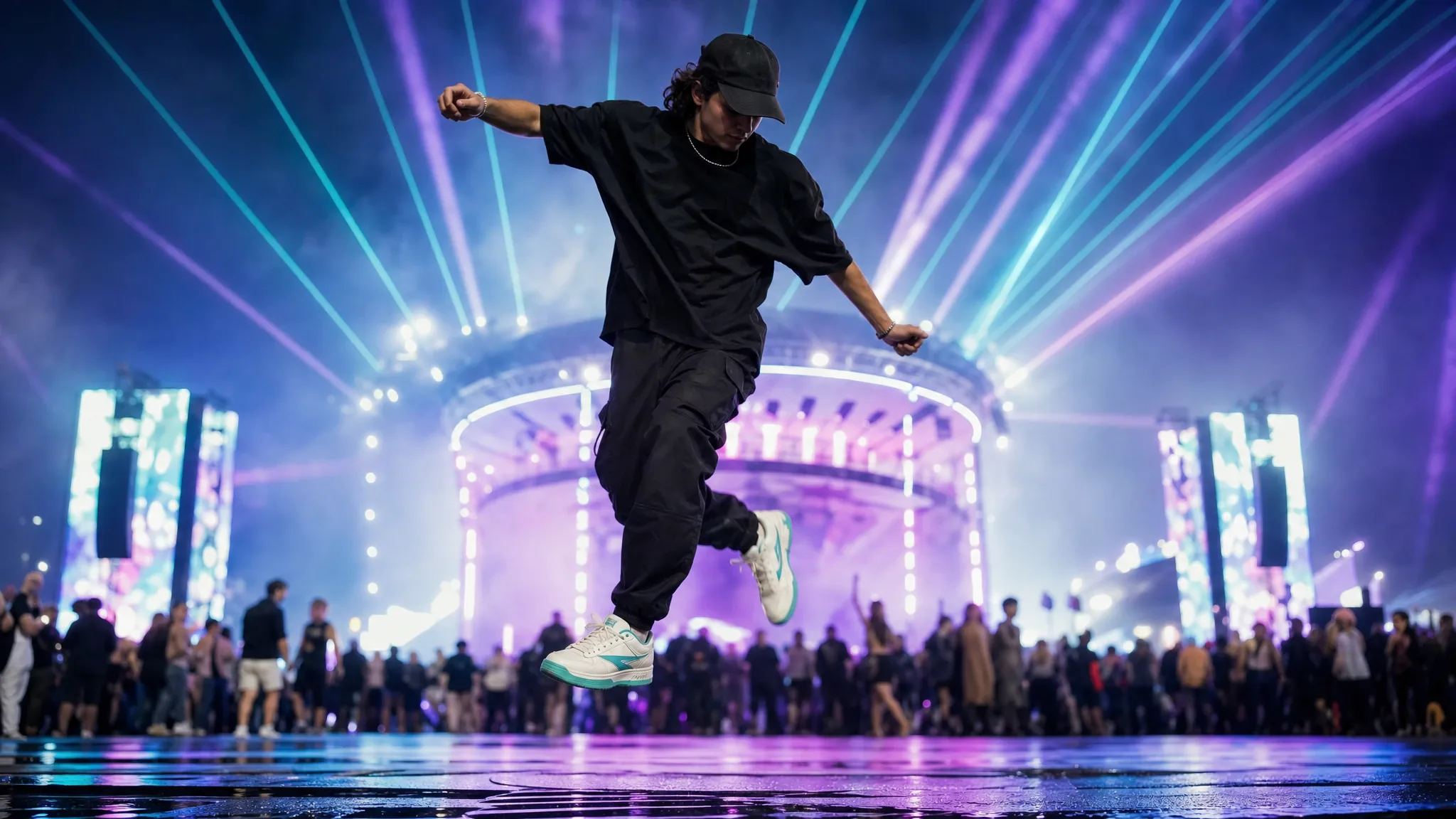
- Hardstyle: full body, festival light, fists and jumps.
- If the feet are cropped, the clip will read as a generic dance, not a shuffle.
Which scenes to try first
Start with a solo scene that keeps the whole body in frame. The neon stage and the rain-lit pier are the safest choices because the camera does not cut too close. The two-person trend scenes are wider and can work for a shuffle battle, but you need two separate photos.
Avoid scenes that are mostly face and shoulders. They are excellent for a Tecktonik portrait but they remove the one thing that makes a shuffle recognisable: the feet.
Photo tips for a shuffle clip
Wear shoes that contrast with the floor. White sneakers on a dark stage are ideal. Stand with your weight on one leg and the other foot slightly forward, because a completely symmetrical stance gives the model less depth to work with.
Keep your arms away from your body. A shuffle photo with hands in pockets or a phone in one hand reads as a portrait, not a dance. If you want a music-festival look, add a bucket hat or a loose jersey, but keep the face clear.
Music, BPM and posting
The tool outputs silence. Add a hardstyle or electro track in the app where you post, using that platform’s licensed library. Do not download a commercial track and re-upload it; the platform will mute the clip or take it down.
For TikTok and Reels, crop to 9:16 and keep the feet in frame. The most common mistake is cropping the shoes out to fill the screen, which turns a shuffle clip into a generic upper-body dance.
Frequently asked questions
Is this a real Melbourne shuffle generator?
It is a photo-to-dance tool with prepared scenes, not a text-to-choreography model. You choose a scene whose footwork and camera fit a shuffle. The page is honest about that: if the source scene does not show footwork, the result will not look like a shuffle.
Can I choose the song or the BPM?
No. The output is silent and the scene has a fixed duration and rhythm. You add music after generation in TikTok, Reels, Shorts or CapCut. Match the edit to the track rather than expecting the tool to beat-match.
Can I use a photo with my shoes cropped?
You can, but the result will not read as a shuffle. Use a full-body photo with visible shoes and a wide stance if footwork is the point.
Can I make a shuffle battle with two people?
Use a duet scene and two separate photos. Each adult needs their own file. The scene supplies the interaction; you supply the two identities.
How much does it cost?
A standard video is 30 credits, or $9.90 in the one-video pack. There is no free render. Failed jobs return their credits.