Hardstyle clips live or die on energy. A still photo with a strong stance, visible arms and a festival-ready outfit gives the model something to work with. A soft portrait in a dim room gives it almost nothing, no matter how good the prompt is.
The scene library includes a neon stage, a rain-lit pier and two wide trend scenes. The wide scenes are the best fit for hardstyle because they keep the legs and the arms in frame. The output is short by design: 8–10 seconds is enough for a drop, a transition or a loop, not a full routine.
What makes a clip read as hardstyle
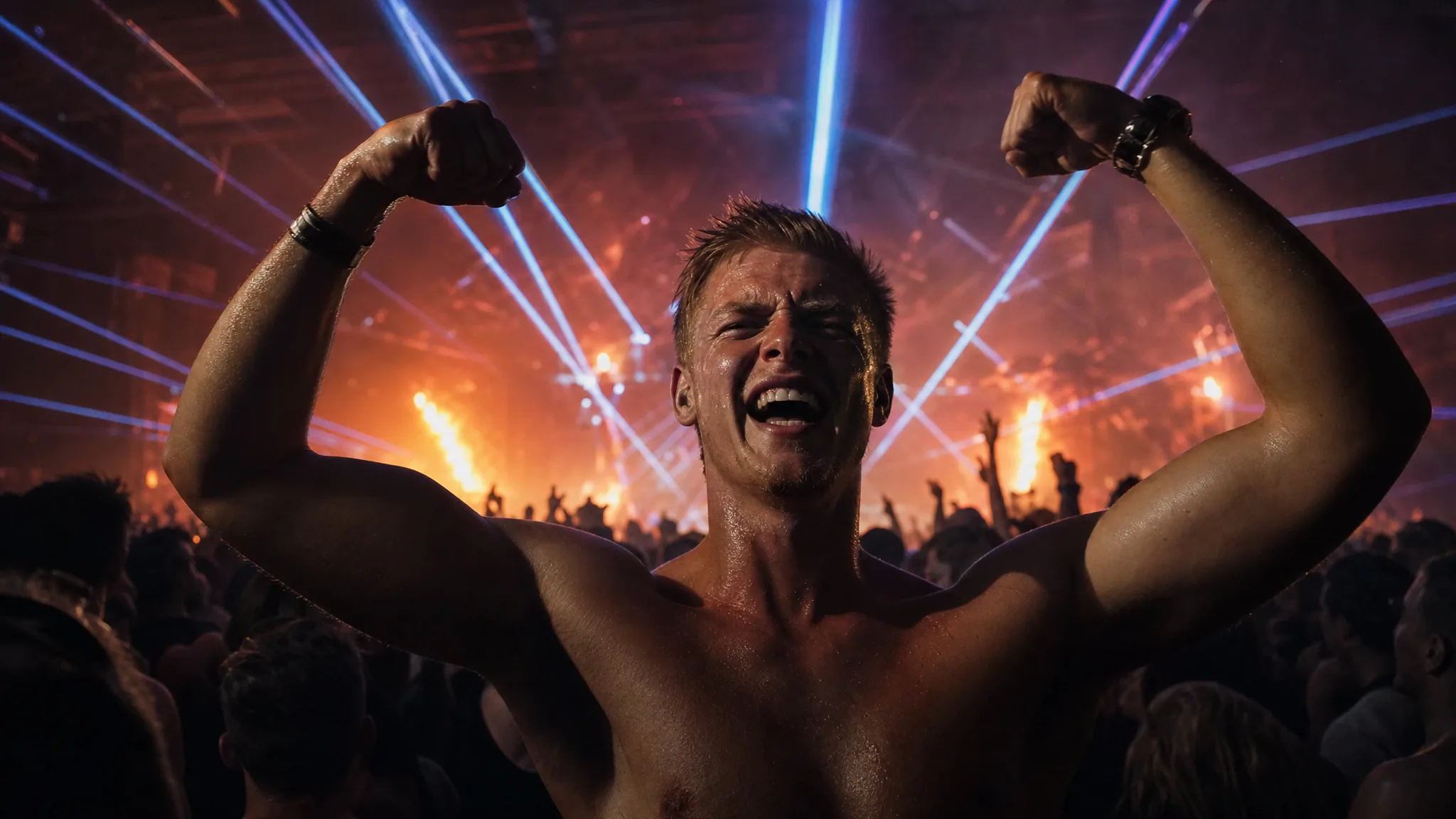
Hardstyle is not just fast dancing. It is a stance: feet wide, knees loose, fists up, shoulders driving. The camera usually cuts on the kick, and the lighting is high-contrast. In a single photo, the signals are the wide stance, the raised arms and the festival outfit.
The tool can preserve those signals if they are in the photo. It cannot invent a jump from a seated portrait. Choose a full-body photo with your arms away from your body and your feet visible, and pick a wide scene that does not crop the legs.
- Full-body photo, feet shoulder-width or wider.
- Arms raised or extended, not folded or in pockets.
- High-contrast outfit: black with white, neon with dark, metallic with matte.
- Avoid a photo where a crowd or a prop hides your silhouette.
BPM, moves and the 8–10 second limit
Hardstyle usually sits around 140–150 BPM, faster than Tecktonik and slower than some uptempo styles. In 8–10 seconds you get roughly 18–25 beats, which is enough for one drop, one jump or one arm sequence. Do not expect a full choreography.
The scene supplies the movement. Your job is to choose a scene whose rhythm and camera fit the track you will add later. A slow push-in will feel wrong over a hard drop; a wide, locked-off shot will feel right.
Lighting and outfit tips
Hardstyle visuals are built on contrast. A black outfit against a bright stage, or a white outfit against a dark crowd, reads instantly. Avoid busy prints that dissolve into noise at thumbnail size. Shoes matter less than in shuffle, but a strong boot or sneaker still helps.
If your photo was taken at a festival with a harsh phone flash, do not over-edit it. The flash can flatten the face, but the model can still use the silhouette. A slightly soft photo with a clear shape is often better than a heavily filtered one.
If you have no festival gear, a plain black T-shirt, dark cargo pants and a bright sneaker are enough. The contrast matters more than the brand. Avoid a busy graphic that turns into noise at thumbnail size. If you are shooting at home, put a lamp behind the camera and stand two steps from a dark wall; the goal is a clean edge around the shoulders and arms, not a studio look.
Posting and music rights
The output is silent. Add a licensed hardstyle track from TikTok, Reels or Shorts, or use a track you have written permission to use. Do not rip a festival set and re-upload it; the platform will mute or remove the clip.
For a drop edit, cut the clip on the first kick after the build-up. For a loop, trim to the last frame that matches the first frame. The platform editor is enough; you do not need a desktop editor for a 10-second clip.
Frequently asked questions
Can I make a jumpstyle or hardstyle clip?
The tool has prepared dance scenes, not a style selector. Pick a wide scene with visible legs and arms; that is the closest match to hardstyle or jumpstyle. The result depends on the source scene more than on the words you type.
What BPM is hardstyle?
Usually around 140–150 BPM. The clip itself is silent and fixed-length, so match your edit to the track rather than expecting the tool to beat-match.
Can I add my own music?
Yes, after generation. The tool does not add music and cannot license a commercial track. Use the platform’s licensed library or a track you have permission to use.
Why are the hands sometimes blurry?
Fast arm movement is the hardest thing for any video model. Hardstyle is built on exactly that movement, so some smearing is normal. A sharper photo and a wider scene usually help more than a re-roll.
How much does a clip cost?
A standard video is 30 credits, or $9.90 in the one-video pack. There is no free render. A failed job returns its credits.