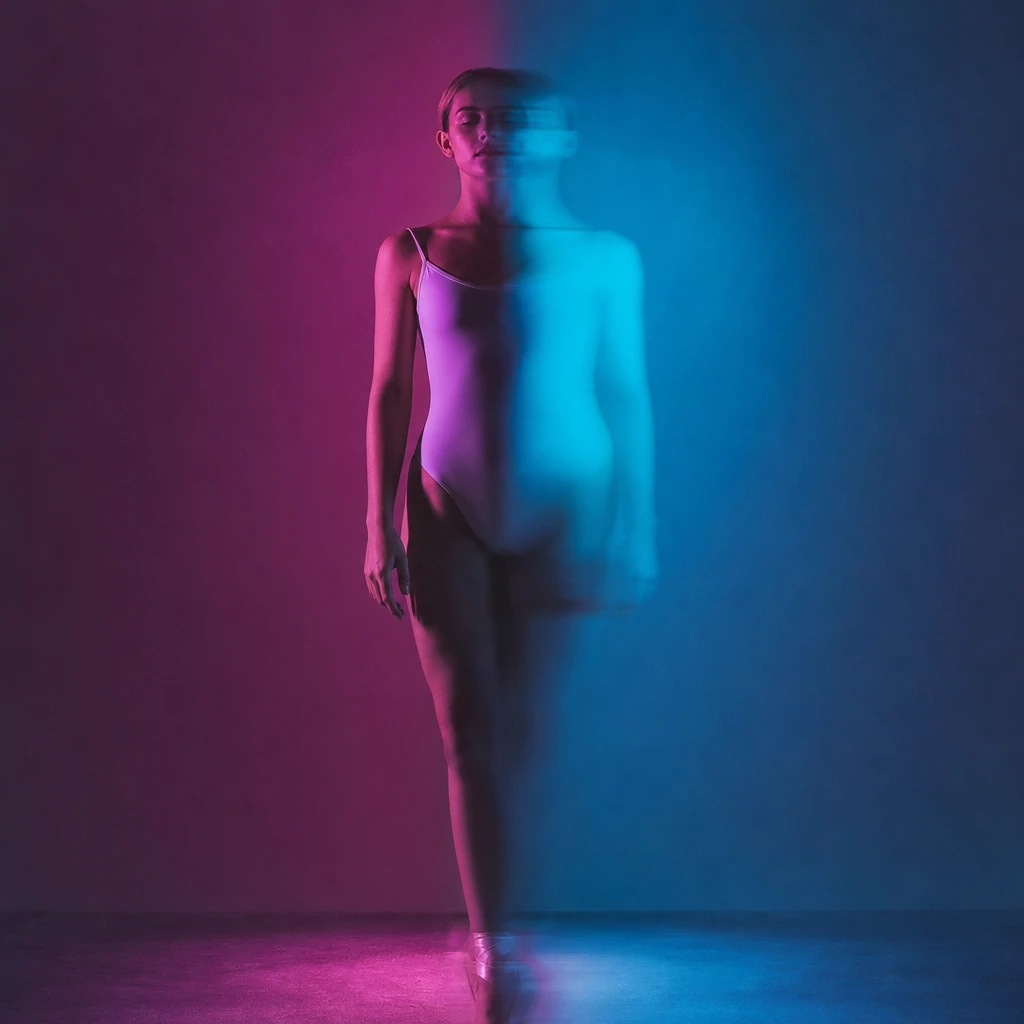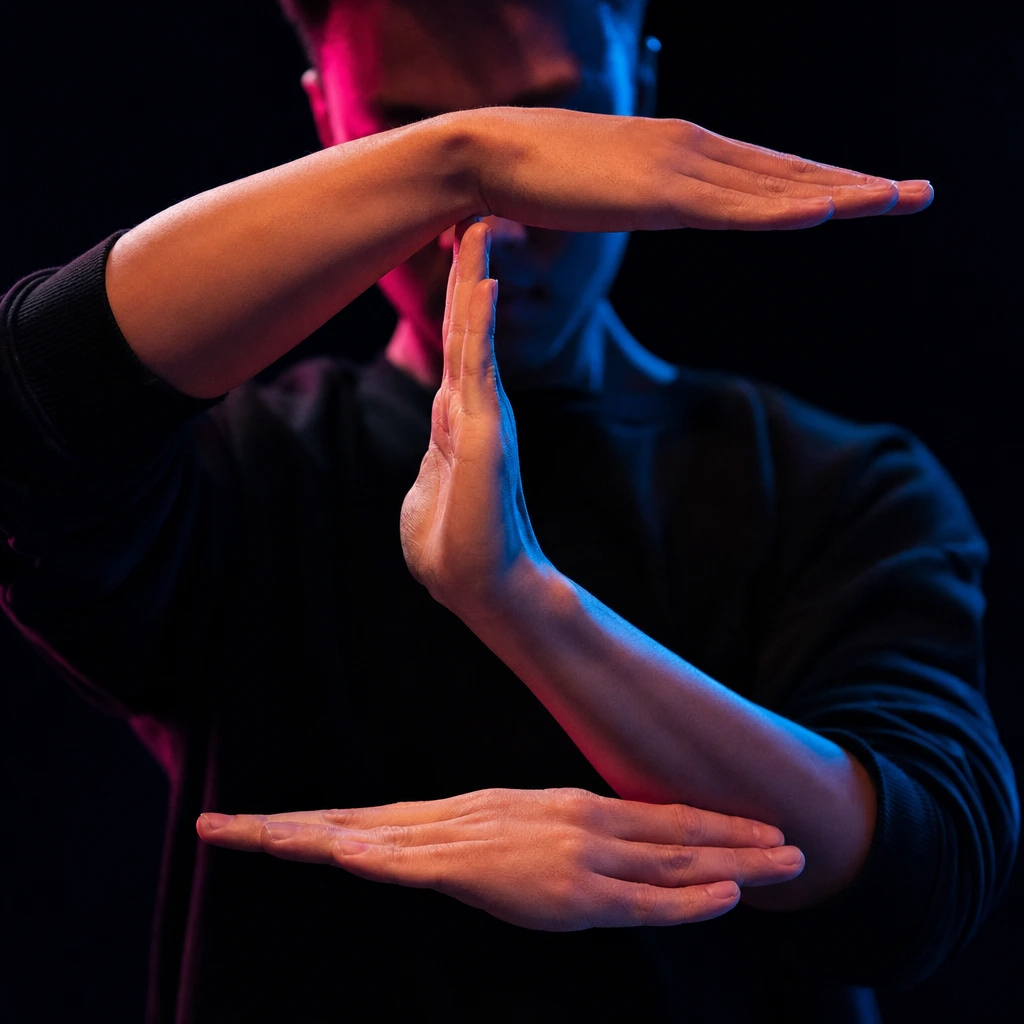
Tecktonik is often described as “that fast arm dance”, which is accurate but not useful. The style has a vocabulary: tutting, waving, the arm wave, wrist rolls, boxing shapes and gliding footwork. Knowing the names helps you learn the moves, choose a photo pose and pick the right AI scene.
This glossary explains the main moves, how each one reads in a still photo, and which scene to choose if you want an AI clip that looks like the style.
The core idea: arms lead, torso stays
Tecktonik is arm-led. The elbows create sharp angles, the wrists roll, the hands move in waves, and the upper body stays relatively still. The legs glide and pivot, but they are not the story. The attitude is cold, precise and a little theatrical.
That is why a three-quarter portrait can read as Tecktonik while a full-body shuffle photo needs the feet. The style lives in the arms and the face.
The moves
Tutting
Tutting uses right angles at the elbows, wrists and fingers to create geometric shapes. It is named after ancient Egyptian art, but the modern dance version is fast and mechanical. The strongest photo pose is a clear right angle with open hands and eye contact.
In an AI clip, tutting reads well because the shapes are sharp and the camera can stay close. Choose a scene with strong arm accents and a dark background.
Waving
Waving is a continuous ripple through the body or the arms. The hand leads, the wrist follows, the elbow and shoulder continue the wave. It looks like a liquid movement passing through the body.
In a still photo, a wave is hard to capture. A frame with one hand raised and the other bent creates the suggestion of a wave. In an AI clip, the scene supplies the motion; choose a scene with flowing arm movement rather than sharp tutting.
The arm wave
The arm wave is a wave isolated to one arm: the hand, wrist, elbow and shoulder create a ripple. It is one of the most recognisable Tecktonik moves and one of the hardest for a video model because it involves fast, continuous hand motion.
For a photo, extend one arm and bend the wrist slightly. For a clip, expect some smearing at the hand; it is the hardest part of the dance for any model.
Wrist rolls
Wrist rolls are small, fast rotations of the wrists, often used as a transition between larger shapes. They add texture and speed. In a photo, they are almost invisible; in a clip, they make the hands look alive.
Boxing shapes
Boxing shapes use the arms in front of the body, like a guard, with sharp punches and pulls. They add aggression and rhythm. A photo with both fists up and elbows bent reads as boxing-influenced Tecktonik.
Gliding and footwork
Tecktonik footwork is less famous than the arms, but it matters. Gliding, pivoting and small steps keep the dancer moving while the upper body stays composed. In a full-body photo, a wide stance and one foot forward suggest the footwork.
The “Tecktonik pose”
The stereotypical pose is a sharp arm shape, a tilted head and a confident stare. It is a pose, not a move, but it is the easiest thing to capture in a photo. Use it for a poster or a thumbnail.
How the moves read in a still photo
| Move | Photo signal | AI scene fit |
|---|---|---|
| Tutting | Right angles, open hands | Close or three-quarter scene with sharp arms |
| Waving | One hand raised, one bent | Scene with flowing arm motion |
| Arm wave | One arm extended, wrist bent | Scene with a clear arm sweep |
| Wrist rolls | Hands close to the body, fingers spread | Close-up scene; low visibility |
| Boxing | Both fists up, elbows bent | Wide scene with strong accents |
| Gliding | Wide stance, one foot forward | Full-body scene with visible feet |
| Pose | Sharp arm shape, eye contact | Any solo scene |
What AI can and cannot do with these moves
The tool edits a prepared performance. It does not invent a tutting sequence from a prompt. If the source scene contains a sharp arm shape, the result will contain a sharp arm shape. If the source scene is a slow turn, the result will be a slow turn.
That is why the scene choice matters more than the move name. Choose a scene whose arms already move the way you want. The prompt can protect identity, outfit and framing, but it cannot add a new move.
If you want to learn the moves yourself, film a short clip and compare your shapes to a reference. If you want an AI clip, pick the scene first and treat the move glossary as a guide to what will read on camera.
Practice and safety
Tecktonik is repetitive and hard on the wrists, elbows and shoulders. Warm up before practising, take breaks and stop if you feel sharp pain. The fast wrist rolls and arm waves are the most demanding; build speed gradually.
If you are learning from videos, slow the playback down and mirror the shapes. Film yourself from the front and the side. The side view shows whether your elbow angles are actually sharp; the front view shows whether the shape reads.
A 15-minute practice routine
You do not need a studio to learn the shapes. A short routine is enough:
- 3 minutes: warm up the wrists, elbows and shoulders with slow circles.
- 4 minutes: tutting. Hold each right angle for a beat, then speed up.
- 4 minutes: waving. Practise one arm at a time, then both.
- 2 minutes: footwork. Glide, pivot and step in place.
- 2 minutes: freestyle to one track. Do not judge yourself; just connect the shapes.
Film the last two minutes. The camera shows whether the angles are actually sharp and whether the arms stay away from the body. Repeat the routine three times a week and the shapes will become automatic.
How to film yourself for reference
Use a plain wall, a front camera and a 30-second clip. Film one pass from the front and one from the side. The front view shows whether the shape reads; the side view shows whether the elbows are actually at right angles.
Count the beats out loud or clap on the kick. The most common beginner mistake is rushing the transitions; the shapes land late because the dancer is thinking about the next move. Slow the track down to 80% and practise the transitions before you speed it back up.
What to do next
Open the AI dancer tool and choose a scene with strong arm movement. If you want a footwork-first clip, read Melbourne shuffle vs Tecktonik. If you want prompts that protect the pose, use the AI dance video prompt library.