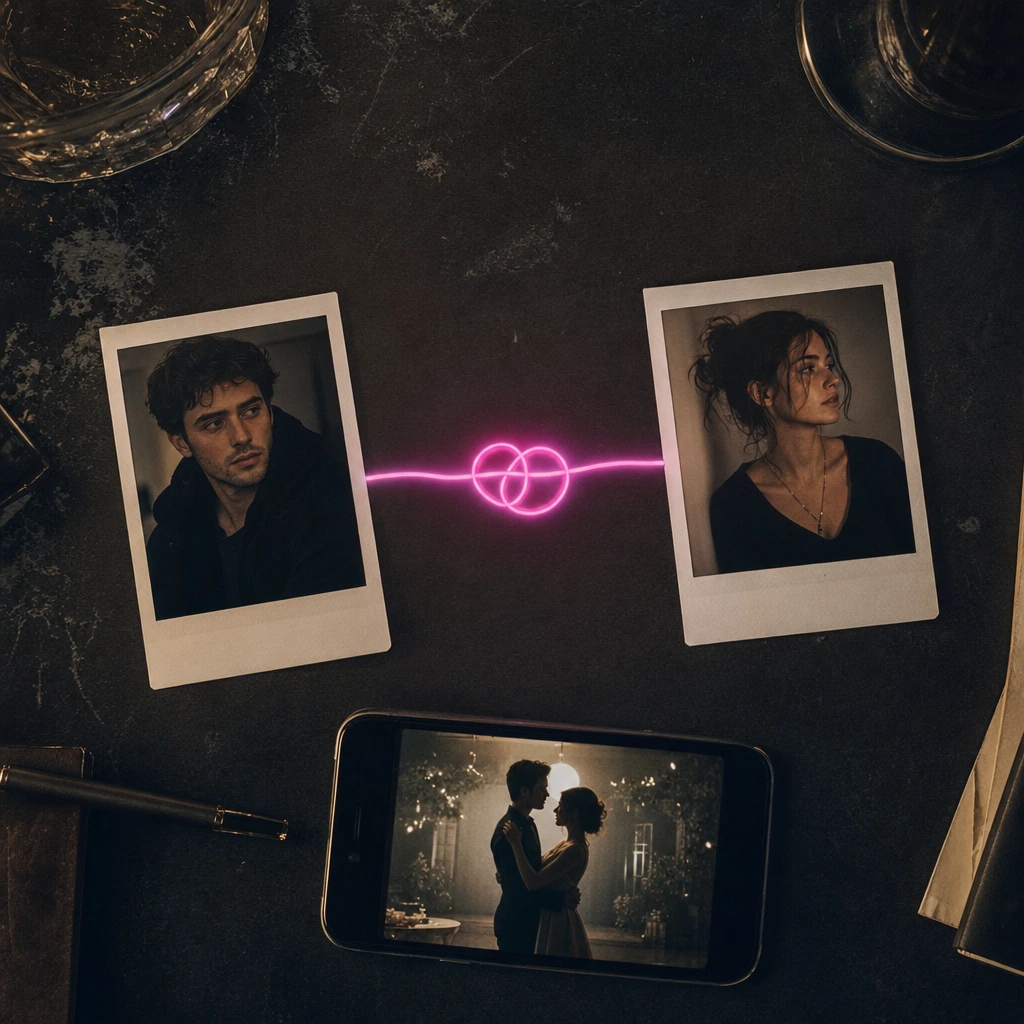
The most common couple dance video mistake is uploading one group photo and hoping the AI figures out who is who. It usually guesses. One person ends up with the other person’s face, or a third face appears in the background. The fix is simple: use two separate photos, one adult per file.
This guide explains why that works, how the identity mapping behaves, what photos to choose, and which occasions are actually worth the $9.90.
Why two photos, not one group photo
A duet scene has two roles: the person on the left and the person on the right, or the person leading and the person being turned. The model needs a separate face for each role. A group photo gives it two faces in one frame and no reliable way to know which is which, especially if the couple is similar in age, height or clothing.
Two files also let you use photos from different days, different cities or different phones. That is the practical advantage for long-distance couples and for surprise gifts where one person does not know the video is being made.
How identity mapping works
Each uploaded photo is assigned to one performer in the scene. The prompt tells the model to replace that performer’s face and hair, or whole appearance, with the person in the matching photo. It also tells the model not to swap the two identities between shots.
That instruction is strong but not absolute. If the two photos look extremely similar, or if one face is much smaller in the frame, the model has less to anchor on. A clear, front-facing photo for each person is the best defence.
The practical checklist:
- One adult per photo. No children, no pets, no third person in the background.
- A clear face. Front-facing, evenly lit, at least 500 pixels across.
- A visible outfit. Required for whole-appearance mode; optional for face-and-hair mode.
- Matching style. Similar lighting and framing reduce the uncanny gap between the two identities.
- Consent. Both adults must agree to the photo and the clip.
The photo checklist in detail
Face and light
Both photos should have one clearly visible adult face. Avoid sunglasses, heavy shadows and hands covering the face. If one person wears glasses, keep them on in both the photo and the direction line.
Outfit and framing
For whole-appearance mode, both outfits need to be visible. A couple in matching black outfits will read as a unit; a couple in clashing prints may look like two clips stitched together. If you want a specific look, choose face-and-hair mode and let the scene supply the costume.
Background
A plain wall is better than a busy room. The model is replacing the performer, not the background, but a busy background can confuse the silhouette. If the two photos have very different backgrounds, the result may still work; the faces are what matter most.
Resolution
Use the highest-resolution version you have. A screenshot of a screenshot loses the detail the model needs. Do not apply a heavy beauty filter; it can make the face look like a mask.
Which scene to choose
The duet scenes are built for interaction. One is a neon stage with a left/right composition; another is a reception scene with a leading/turning interaction. Both are 4:7 portrait and 8 seconds long.
If you want a wider, more cinematic frame, the two-person trend scenes are 131:90 landscape and 10 seconds long. They are better for a dance battle or a full-body shot, but they need more careful cropping for TikTok and Reels.
Choose the scene before you choose the photos. The scene decides how many performers there are, how long the clip is and whether it is portrait or landscape.
Ideas that are worth the $9.90
- Anniversary reel. A short clip with the date in the caption. The message is the value, not the realism.
- Long-distance good morning. Two photos from two cities, one duet scene. It is a sweeter version of a text message.
- Wedding invitation teaser. A clearly labelled AI clip for a save-the-date. Do not present it as real footage.
- Birthday roast. The couple dances badly on purpose. The joke lands because they are recognisable.
- Halloween couple costume. Two costumes, one scene, a spooky track. The contrast reads instantly.
- “We tried an AI dance” reel. The process is the content: show the two photos, then the clip.
The common thread is that the clip is a message, not a portfolio piece. Keep it short and post it where the couple will see it.
Privacy and consent
You choose public or private visibility when you create the job. Private results are not added to the public gallery. Uploaded photos are private inputs and are not shown publicly.
Both adults must consent. If one partner does not want an AI version of themselves online, do not post it. A private download for the two of you is still a valid use; the consent is about sharing, not about making.
A five-minute workflow
- Crop each person into a separate file. One adult per file, no third person in the background.
- Match the light. If one photo is warm and one is cold, the two identities will look like they came from different videos.
- Choose the duet scene. Left/right for a posed clip; leading/turning for a more dynamic one.
- Map photo A to the left and photo B to the right. Write it down before you upload; it is easy to reverse them.
- Generate, preview, download. Check the face on both people before you post.
If you are making the clip as a gift, do the workflow on your own account and keep the result private until the other person agrees to share it.
If the faces swap
A swap usually means the model did not have enough separation between the two identities. The fix is not a longer prompt; it is a clearer input.
- Re-crop each face so the person fills more of the frame.
- Avoid matching outfits if the two people look similar; colour is a separation cue.
- Use face-and-hair mode so the scene supplies distinct clothing.
- Try a different duet scene with a clearer left/right composition.
- Check the preview before posting. If the faces are still swapped, do not publish; contact support with the job ID.
A swap is not a moral failure of the tool; it is a limitation of identity mapping with two similar references. Clearer photos solve most cases.
What to do next
Open the couple dance video tool and preview the duet scenes. If you are making a wedding clip, read wedding dance video ideas. If you want prompts that protect both identities, use the AI dance video prompt library.