Wedding content has a trust problem with AI. A couple’s first dance is a real memory, and a generated clip that pretends to be that memory is not a creative embellishment; it is a lie. But there is a legitimate use: a clearly labelled, short, light-hearted clip that teases the date, thanks the guests or gives the group chat a laugh.
This guide covers the ideas that work within that boundary, the photo and rights checklist, and the labelling rules that keep the clip respectful.
The three honest use cases
1. The save-the-date teaser
A 10-second clip of the couple dancing, posted with the date and venue. It is not the invitation; it is a scroll-stopper that makes people click the invitation. Use a full-body wedding photo if you have one, or a good engagement photo if the wedding has not happened yet.
2. The thank-you post
A clip with a short caption and a link to the photo album. The message is “thank you for dancing with us”, not “this is what our first dance looked like”. A warm scene and a licensed track are enough.
3. The group-chat joke
The couple dancing to a song they would never actually choose. This is where AI wedding clips genuinely shine: the joke only works because the faces are recognisable and the situation is absurd. Keep it private or clearly labelled.
Which photo to use
A full-body photo shows the dress and suit, which is the point of whole-appearance mode. A three-quarter photo is a good compromise if the full-body shot is blurry. A tight portrait is better for face-and-hair mode, where the scene supplies the outfit.
Avoid photos with a bouquet covering the face, a veil that hides the profile, or a group of guests in the background. The model needs one clear adult face per file. If the photo includes both people, crop each person into a separate file before uploading.
The checklist:
- One person per file for a duet scene.
- The highest-resolution version of the photo you have.
- No heavy beauty filter before uploading.
- A background that contrasts with the dress. A white dress against a white wall loses its edge.
- Consent from both people. A surprise is not consent.
The rights checklist
Wedding photos are often taken by a professional photographer. The photographer owns the copyright, and their contract may restrict derivative works. Many contracts allow personal social use; some do not. Check before you upload.
You also need permission from both people in the photo. If the photographer or one partner says no, do not use the photo. A private download for the couple is still a valid use, but the rights question does not disappear because the clip is private.
Do not use a photo of a guest, a planner or a vendor without their permission. Do not add a brand logo, a venue logo or a film character to the clip.
Music and labelling
The clip is silent. Add a licensed song in the app where you post, or use a track you have permission to use. A first-dance song is often copyrighted; the platform’s licensed library is the safe route.
Label the clip as AI-generated. A simple “AI wedding dance, made for fun” caption is enough. Do not caption it “our first dance” if it is generated. The people who know you will recognise the difference, and the people who do not deserve the truth.
Scene and style choices
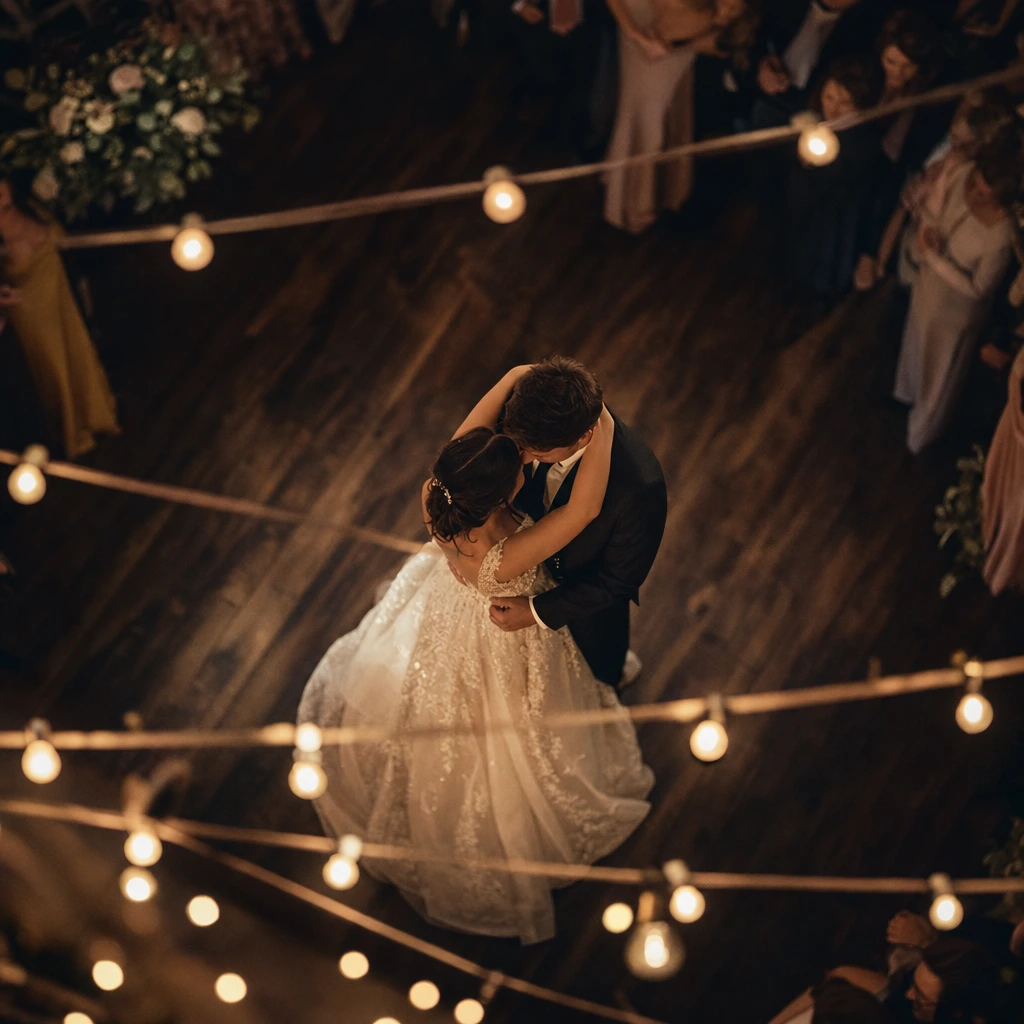
The reception duet scene is the closest match for a couple: it has a leading/turning interaction and a warm, social mood. The neon stage is better for a playful, after-party clip. The rain-lit pier is moody and cinematic, but it may fight a bright white dress.
For a save-the-date, choose a scene that leaves room for text in the caption, not in the video. For a thank-you post, choose a warm scene and a short caption. For a joke, choose the most dramatic scene you can find.
What a clip cannot do
- It cannot recreate your venue. The scene is a prepared set, not your reception hall.
- It cannot include your guests. A duet takes two people; a group needs multiple clips.
- It cannot replace your wedding film. A 10-second clip is a teaser, not a record.
- It cannot license your first-dance song. You add music yourself, with the rights.
- It cannot guarantee a perfect dress. Fine lace, veils and long trains can drift; check the preview.
A save-the-date timeline
A wedding clip is a deadline project, so work backwards:
- Eight weeks out: choose the photo and confirm the photographer’s derivative-work policy.
- Six weeks out: generate two scenes and pick the stronger one.
- Four weeks out: design the post, write the caption and label it as AI.
- Two weeks out: schedule the post and send the link to the people who need to approve it.
- One week out: do not regenerate. A last-minute change is how couples end up with a clip nobody has approved.
If the wedding has already happened, the same sequence compresses into a week: choose, generate, caption, share. The thank-you post does not need a long lead time, but it does need both partners’ consent.
Talking to guests about AI
Guests will ask whether the clip is real. Answer plainly: it is a generated animation made from a wedding photo, not footage from the day. Most people find that charming when it is labelled; they feel tricked when it is not.
Keep the real photos and the real film separate from the generated clip. Use the clip as a teaser or a thank-you, not as the record of the day. If a parent or a grandparent is uncomfortable with AI, do not use their photo; a private version is not worth a family argument.
What to do next
Open the wedding dance video tool and preview the reception scene. If you need two separate photos, read how to make a couple dance video from two photos. If you want a poster for the save-the-date, use the dance poster maker.